
UCard Radar app
Know the moment a crypto card changes
Look up cards, compare them side by side and check risk ratings. When a card you follow changes its fees, policies or status, the app tells you. Your account and membership are the same as on the website.
- iPhone and Android
- Same account as the website
- Free to download
The app is coming to the stores soon. Until then, everything is on the website.
Features
Everything on the website, in your pocket
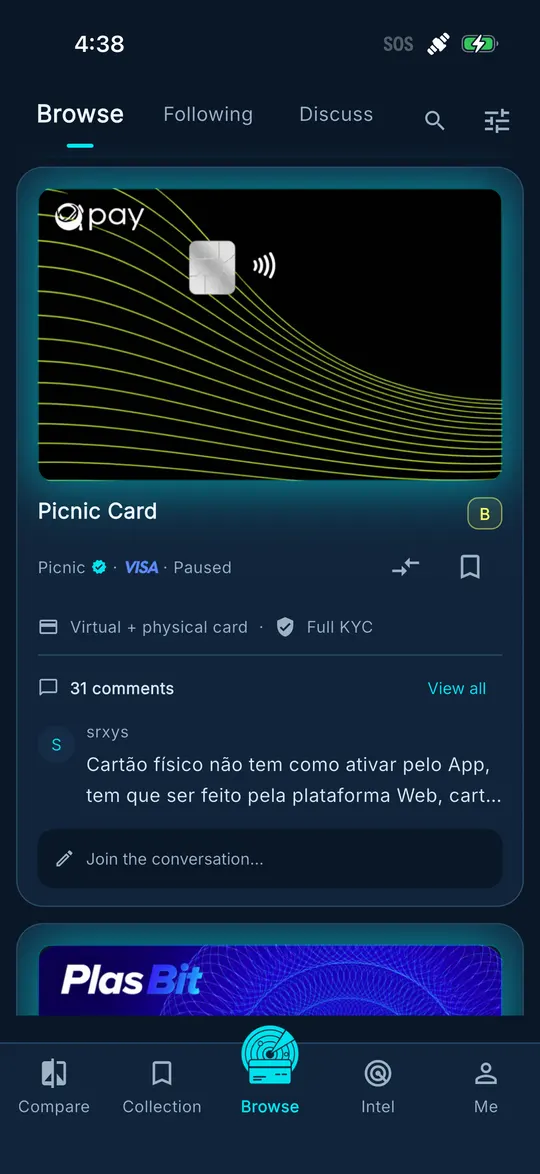
Card directory
Filter by network, card type, KYC requirements and supported regions, and search by card name.
Side-by-side comparison
See issuance fees, monthly fees, ATM withdrawals and FX costs for several cards together, or show only the rows that differ.
Risk ratings
Every card has a risk score and grade with the reasoning behind it, to help you judge how stable the issuer and its partners are.
Change alerts
Get a notification when a card you follow changes its fees, regional policy, KYC rules or operating status. Alerts also stay in the app's notification centre.
Research and guides
Read guides on applying, topping up and KYC, plus research articles, right in the app.
One account, one membership
Sign in to the website and the app with the same account. Saved cards, comparisons and membership benefits stay in sync.
Screenshots
Browse: cards, ratings and discussion 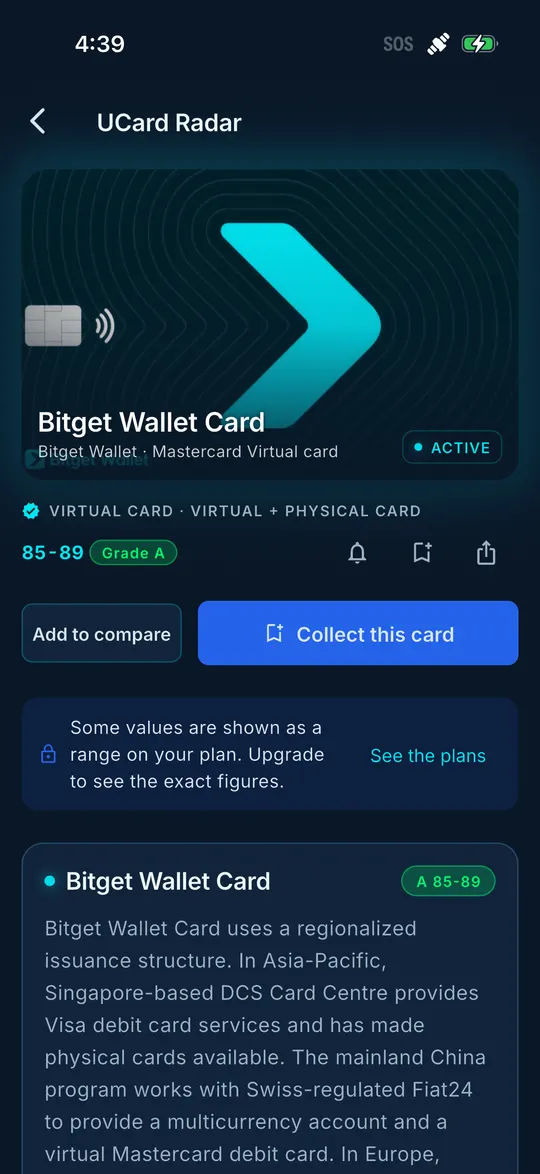
Card detail: fees, rating and notes 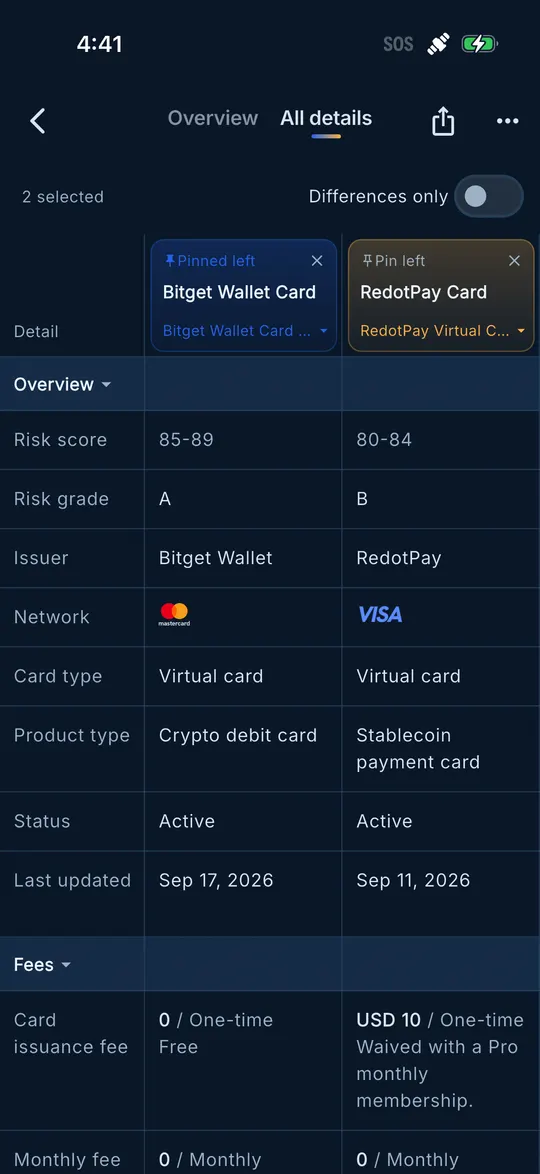
Detailed comparison, row by row 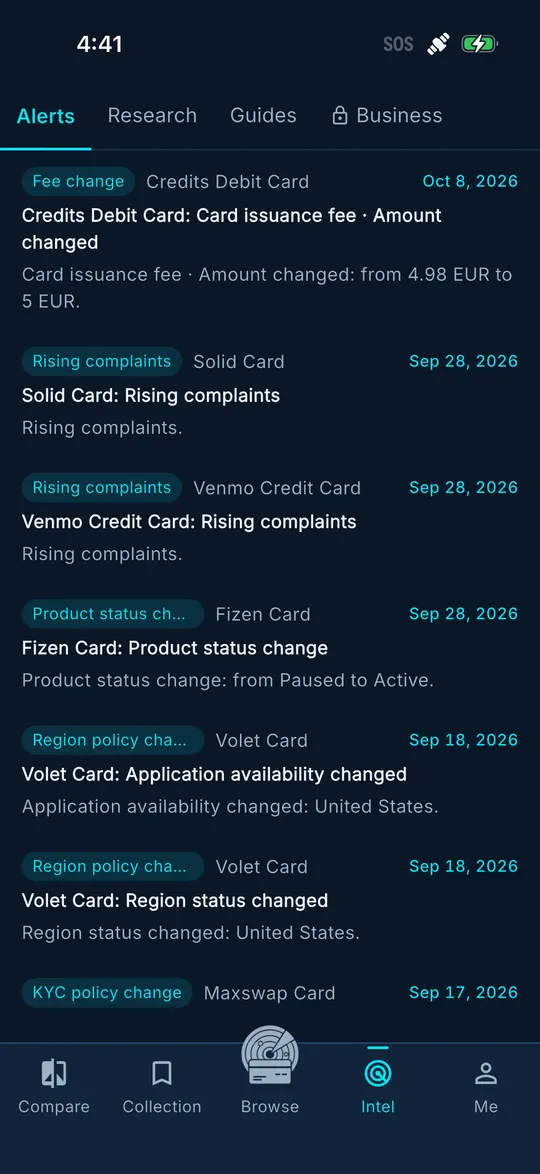
Alerts: fee, policy and status changes
FAQ
Is the app free?
Downloading and the core features are free. Membership works the same as on the website: a membership bought on the website applies as soon as you sign in to the app, and you can also subscribe inside the store versions of the app.
Can I sign in with my website account?
Yes. The website and the app share one account system, so saved cards, comparisons and membership benefits stay in sync.
Store version or APK?
If your phone has Google Play, install the store version: updates are automatic. Use the APK on phones that cannot reach Google Play.
Does it work on phones without Google services?
Yes, install the APK. Without Google services you cannot sign in with Google, so sign up and sign in with your email. System push notifications cannot arrive either; alerts go to the in-app notification centre instead. You can buy a membership on the website and it applies when you sign in to the app.
Is the APK safe?
We build the package ourselves and offer it only on this page. You can check its SHA-256 after downloading. Do not install copies from other websites or ones forwarded to you by other people.
Not ready to install?
The website has the same data. Have a look in your browser first.
Browse the card directory