
A card that works for ChatGPT, Amazon, or overseas websites may still fail at a shopping mall, restaurant, or metro station abroad.
Online payments usually check only the card number, expiry date, CVV, and 3DS. In-person POS terminals also evaluate whether the card has a physical chip, whether contactless payments are supported, whether the PIN can be used, whether the terminal performs online or offline verification, and whether the issuer permits that type of transaction. Fuel pumps, transit gates, hotels, and vending machines also use different authorization and settlement methods.
By the end of 2025, more than 15.6 billion EMV chip cards were in circulation worldwide, and more than 97% of in-person bank-card transactions were completed using EMV chips. Magnetic stripes still exist, but chip, PIN, and NFC are the main technologies used for spending abroad.
Sources and Scope of Conclusions
Primary verification sources: Coinbase Card for the EU; Spend Stablecoins with Gate Card; Who can order the Nexo Card.
Verifiable statements in this article regarding regional eligibility, KYC, card-network rules, and restrictions for international card payments are based on the cited official or regulatory documents. Actual service status, fees, eligibility, and geographic availability should be confirmed on the issuer’s or platform’s page at the time of application.
Results may vary by issuer, region, account tier, and merchant rules. Experiences, success rates, fee comparisons, or trend assessments not directly disclosed in the primary sources above should be treated as analysis or inference and have not been officially confirmed for individual cases by the relevant institutions.
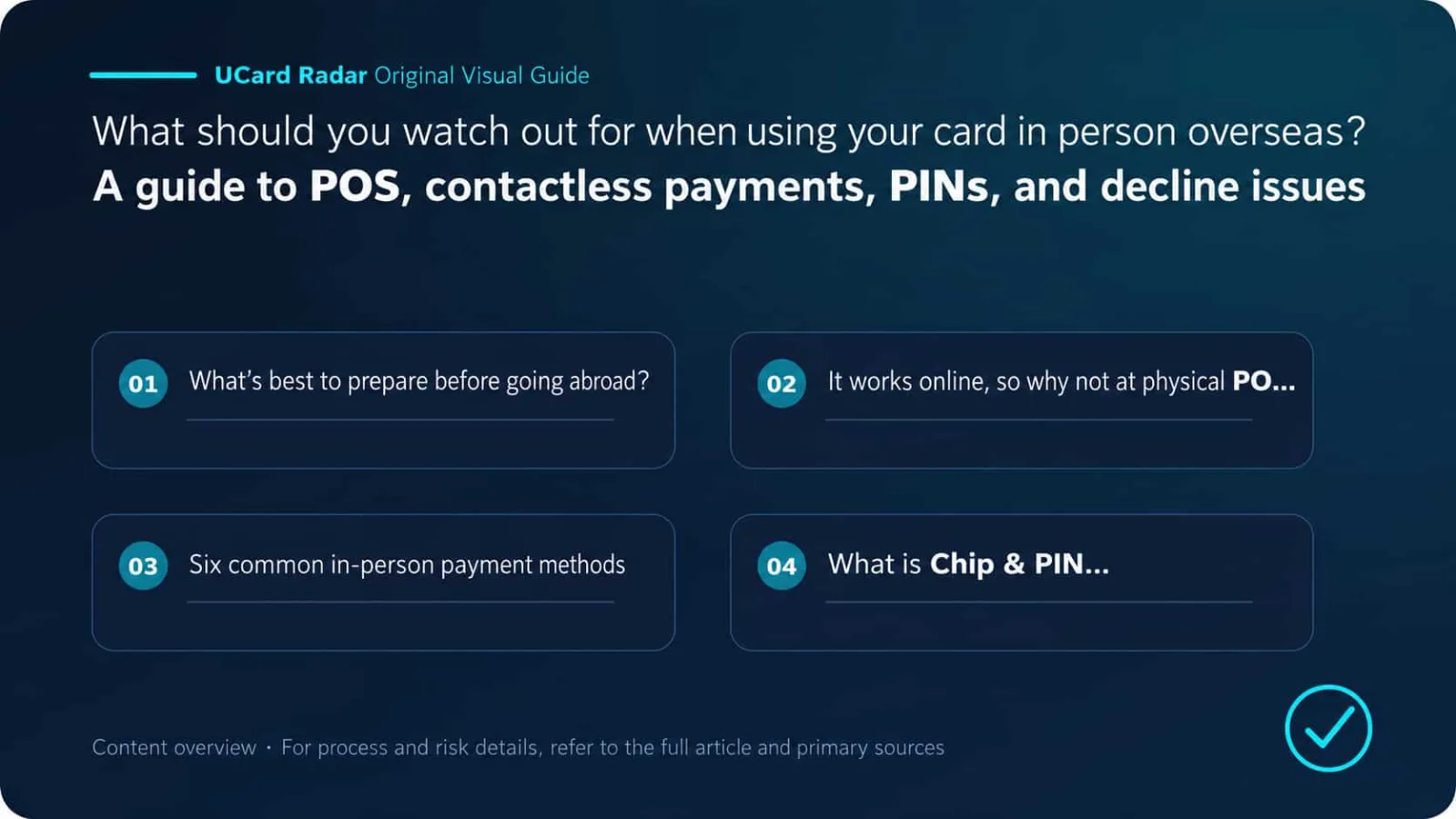
What Should You Prepare Before Traveling Abroad?
My usual travel setup is: one activated physical chip card, a PIN that has already been tested, Apple Pay or Google Wallet, plus a backup card from a different issuer.
The physical card is for chip insertion, ATMs, and terminals that require a PIN. The mobile wallet handles most everyday contactless payments. The backup card is for situations where the primary card is declined, frozen by risk controls, or its BIN is not accepted by the merchant.
Before traveling with a crypto payment card, check the following:
Item | What to Confirm |
|---|---|
Physical card status | Received, activated, and not frozen |
Chip | Supports EMV chip transactions |
Contactless | Contactless symbol present and feature activated |
PIN | Can be viewed or set, and has been tested with a chip transaction |
Mobile wallet | Successfully added to Apple Pay or Google Wallet |
POS control | In-person transactions enabled in the app |
Regional restrictions | Destination country is not restricted by the issuer |
Balance | Enough to cover purchases and additional preauthorizations |
Backup payment | At least one additional card from a different issuer |
If It Works Online, Why Can It Still Fail at an In-Person POS?
Online and in-person payments do not use exactly the same risk checks. An in-person transaction may send the terminal type, card-reading method, merchant category, transaction country, PIN status, and chip data to the issuer. A card can work normally online but still be declined because POS transactions are disabled, the PIN is wrong, the terminal is incompatible, or the country is restricted.
RedotPay categorizes website and third-party-wallet payments as “Online Transactions” and physical-store POS payments as “Offline Transactions.” Users can enable or disable them separately in the app. Here, “Offline” usually means in-person or face-to-face spending, not that the POS terminal itself has no network connection.
Bybit also refers to physical-store transactions as offline payments, while requiring the terminal to support contactless or Chip & PIN. That wording likewise does not prove the card will work on airplanes, trains, or other truly offline terminals.
Six Common Types of In-Person Payment
1. Chip Insertion
When a card is inserted, the POS reads the EMV chip. The chip generates dynamic data for each transaction, which is harder to copy than the static information stored on a magnetic stripe.
Chip insertion should be prioritized in situations such as: first use of a new physical card, repeated contactless failures, a terminal requesting a PIN, after changing the PIN, or when contactless transaction-count or cumulative-value limits have been reached. Inserting the card may also allow the chip to synchronize new PIN information.
Bybit’s Australia and Asia-Pacific card programs require users to complete one chip-and-PIN transaction before using contactless on a new physical card for the first time.
After changing the PIN on a Crypto.com Canada card, the card also needs to be inserted at an ATM or POS terminal so the chip can activate the new PIN. Some terminals may still show an incorrect-PIN message on the first attempt and complete synchronization only after reinserting the card.
2. Contactless Tap
A contactless symbol on a physical card means it can be used at NFC terminals, but contactless does not always mean PIN-free. Many regions impose per-transaction limits, cumulative-value limits, and consecutive-transaction limits that eventually require a chip-and-PIN transaction.
The current published limits for Bybit’s European card are: up to EUR 50 per contactless transaction, up to EUR 150 cumulative without PIN, and a maximum of five consecutive transactions. Reaching any one of these limits requires a Chip & PIN transaction to reset the counter.
Crypto.com cards in Europe and the UK use a similar mechanism. The per-transaction threshold is EUR 50 in Europe and GBP 100 in the UK; cumulative limits are EUR 150 and GBP 300 respectively. After more than five consecutive contactless transactions, users may also be asked to insert the card or enter a PIN.
So if contactless worked normally before and then suddenly fails, the card is not necessarily broken. Insert the card and enter the PIN first.
3. Mobile NFC
After a card is added to Apple Pay or Google Wallet, the phone presents a device payment token to the merchant rather than exposing the original card number directly. Face ID, fingerprint, phone passcode, or unlock pattern can function as Consumer Device Cardholder Verification Method, or CDCVM, and many terminals treat that as an alternative to signature or PIN.
Mobile wallets work well in supermarkets, convenience stores, restaurants, open-loop transit systems, and vending machines, and they are useful when you prefer not to hand the physical card to staff. For a virtual card with no plastic version, the mobile wallet may also be the only way to use the card in person.
However, mobile wallets do not solve every problem. A RedotPay virtual card can be used through Apple Pay or Google Pay for in-person purchases, but the virtual card itself has no PIN and cannot be assigned one. If a terminal requires the card PIN, the transaction may not proceed.
If the phone battery dies, NFC is disabled, the device token becomes invalid, or the local wallet service is restricted, a physical card is still needed.
4. Magnetic Stripe
A magnetic stripe stores static data and is less secure than a chip. Some terminals allow a transaction to fall back to the magnetic stripe when the chip or reader fails. This is called fallback. Whether fallback is accepted depends on local rules, the acquirer, and the issuer.
Canada already requires domestically issued Visa chip cards to be declined when magnetic-stripe fallback occurs at domestic chip-enabled terminals.
If the chip cannot be read, try the following sequence: clean the chip and reinsert the card, use another POS terminal, try the mobile wallet, then use a backup card. Leave magnetic-stripe fallback as the last option, and first ask the merchant whether it is permitted.
5. QR Code
QR-code payments are not simply another form of chip or contactless card payment. EMV QR commonly uses two models: the merchant displays a QR code for the customer to scan, or the customer displays a QR code for the merchant to scan.
The payment may be funded by a bank card, bank account, or local wallet balance and usually requires a designated app. Whether an overseas card can be linked to a local QR wallet depends on whether the wallet permits foreign cards and whether the relevant card network has a supported route. A Visa or Mastercard logo on the card does not mean it can be used with every local QR payment system.
6. Transit Gates
Open-loop transit lets passengers use a contactless bank card or mobile wallet directly at entry and exit gates. The system may first record the journey and settle later, so the statement may show small verification charges, delayed charges, bundled fares from multiple rides, or a maximum fare if the exit tap was missing. An unpaid previous transit charge may also cause the next entry attempt to be declined.
Use the same physical card or the same phone for both entry and exit. Even when a physical card and mobile wallet are linked to the same account, their device tokens are usually different, so the transit system may treat them as different cards.
What Is Chip & PIN?
Chip & PIN means that the POS terminal reads the chip on the physical card, the user enters the bank-card PIN at the terminal, and the issuer or chip verifies the cardholder.
Not every chip transaction requires a PIN. EMV supports online PIN, offline PIN, signature, no cardholder verification, and device-passcode or biometric verification on a phone. Which method is used depends on the card, terminal, transaction amount, local rules, and issuer configuration.
So the same card may work contactlessly at a supermarket without a PIN but require one at a railway ticket machine.
Online PIN and Offline PIN
An online PIN is sent through the payment network to the issuer or processor for verification. It is common at connected POS terminals, ATMs, and most everyday chip transactions.
An offline PIN is stored on the EMV chip itself. When a terminal cannot maintain a stable connection or is designed to verify locally, it compares the entered PIN directly with the value on the chip. Gnosis Pay gives examples such as mobile terminals on trains, some unattended fuel pumps, and unmanned terminals with unreliable connectivity.
After a user changes a PIN in an app or website, the new PIN may work at online POS terminals but fail at offline terminals if the chip has not synchronized. Gnosis Pay recommends using a large-bank ATM for a PIN service or chip operation so the online PIN held by the server and the offline PIN held on the chip can synchronize again.
People who frequently use trains, rental cars, or unattended fuel stations should confirm whether the physical card supports offline PIN rather than looking only for a contactless symbol.
In-Person POS vs. Truly Offline Terminals
An online POS contacts the acquirer and issuer in real time to check card status, available balance, limits, risk, and PIN. An offline terminal may approve the transaction locally according to chip rules and upload it later for clearing.
Many crypto and prepaid cards depend on real-time balance conversion. Funds may be held as USDT, USDC, or a platform USD balance, and the issuer often needs to confirm the available amount in real time. As a result, genuine offline authorization may not be supported.
When a provider says the card supports “offline payment,” it may simply mean that the card works at physical POS terminals, not that it is guaranteed to work on airplanes, ships, trains, or disconnected vending machines.
UCardRadar should separate “supports in-person POS payments” from “supports EMV offline authorization or offline PIN” into two different fields.
Why Can Restaurant Tips Temporarily Use More of Your Balance?
In countries such as the United States and Canada, where card tipping is common, restaurants may place a preauthorization for the bill amount plus an estimated tip and adjust it only after the merchant submits the final amount.
For a USD 100 meal, the temporary authorization shown in the app may exceed USD 100. Crypto.com and RedotPay both explain that restaurants and service merchants may reserve extra space for tips during authorization and adjust it to the actual total at settlement.
Prepaid and crypto cards need enough available balance to cover that preauthorization. Keeping an additional 20% to 30% available before a restaurant transaction provides more headroom. If the balance only covers the menu amount, the entire transaction can fail because of the tip authorization.
Why Do Unattended Fuel Pumps Hold a Larger Amount?
A fuel pump does not know the final purchase amount before fueling begins, so it may place a fixed preauthorization first. Crypto.com and RedotPay both warn that fuel stations may authorize an amount higher than the final fuel purchase and release the excess only after settlement.
This temporarily reduces the available balance, and releasing the hold may take several days. Unattended pumps may also request a postal code or offline PIN, which some crypto cards cannot satisfy.
If the card balance is limited, go inside and tell the cashier the exact amount you want to buy first. Paying a fixed amount at the counter usually ties up less money than inserting the card directly at the pump.
Why Are Hotels and Car Rentals More Likely to Fail?
Hotels and rental-car companies may reserve funds for the room, deposit, fuel, late return, and other incidental charges. Even if the final bill is only USD 300, the preauthorization may be much higher.
Some merchants accept only credit cards or reject prepaid cards, virtual cards, and certain debit cards. Crypto.com also notes that some hotels and car-rental companies explicitly require a credit card. A crypto prepaid card may be able to pay the room charge but still fail for the deposit.
Before booking, ask directly whether debit or prepaid cards are accepted, how much the deposit is, how long it takes to release, whether a physical card must be presented, and whether the name on the card must match the identification document.
Vending Machines and Unattended Terminals
Vending machines, parking terminals, laundromats, ticket machines, and onboard terminals often have unstable connectivity and no staff. They may not support signature, may require offline PIN, may place a fixed hold first, or may upload transactions much later.
These devices demand greater card compatibility than an ordinary supermarket POS terminal. A mobile wallet working in a convenience store does not prove it will work on an airplane, at an unattended fuel station, or at a train-ticket machine. For a new card’s first test, use a small staffed purchase whenever possible.
Common Reasons In-Person Transactions Are Declined
The Physical Card Has Not Been Fully Activated
Physical cards usually need to be activated in the app. Some also require one chip-and-PIN transaction before contactless is enabled. A new KAST physical card must first be activated in the app, and the correct PIN is required for in-person use.
POS Transactions Are Disabled
RedotPay allows users to disable website payments, POS, and ATM independently. If in-person transactions are disabled, both chip and contactless payments will be declined.
Incorrect PIN
A physical-card PIN may contain four or six digits. RedotPay supports either four- or six-digit PINs; most Bybit cards use four digits, while the Australian card uses six.
Some overseas terminals may appear to support only four digits, but that does not necessarily mean a six-digit PIN cannot be entered. Use the complete PIN configured by the issuer and do not shorten it yourself.
Contactless Count or Value Limit Reached
After several consecutive contactless payments, the terminal may require chip and PIN. Repeatedly tapping again only creates more declined attempts.
Insufficient Balance for the Preauthorization
Restaurants, hotels, fuel stations, and car rentals may require an available balance significantly higher than the final bill.
Merchant Category Restrictions
Some prepaid cards restrict financial services, crypto purchases, gambling, transfers, and other high-risk MCCs. Crypto.com lists unsupported MCCs as one reason for declines, while RedotPay explicitly prohibits using its card to buy cryptocurrency.
Merchant Rejects Prepaid or Foreign-Issued Cards
A Visa or Mastercard logo only means the merchant is connected to that network. It does not mean every country, funding type, or BIN is accepted. Some unattended terminals, hotels, and rental companies actively restrict prepaid, virtual, or foreign-issued cards.
Outdated Terminal
RedotPay notes that some older POS terminals cannot process newer Visa card technology or contactless payments. Changing terminals, switching to a mobile wallet, or using a backup card is usually more effective than repeatedly retrying.
Country or Currency Controls
Some apps allow users to disable specific settlement currencies or foreign transactions. RedotPay’s security settings can disable individual currencies. If the merchant’s local currency is turned off, the transaction may fail.
Issuer Risk Controls
Sudden spending in a new country, repeated attempts within a short period, unusual amounts, or a high-risk merchant may trigger issuer controls. The POS often displays only Declined, Do Not Honor, or Contact Issuer and does not provide the exact reason.
Should You Choose the Local Currency, RMB, or USD?
An overseas POS sometimes lets the cardholder choose between the local currency and conversion into the card’s home currency. The latter is usually Dynamic Currency Conversion, or DCC.
The DCC exchange rate is set by the merchant or its acquirer. If you choose the local currency, the card network and issuer usually perform the conversion. Unless the POS clearly shows the final exchange rate and all fees and it is genuinely cheaper than your issuer, choosing the local currency is generally preferable: yen in Japan, pounds in the UK, and euros in the euro area.
Seeing a familiar RMB or USD amount on the terminal does not mean the price is lower.
The App Shows a Charge, but the Merchant Says It Failed. What Should You Do?
Often this is not a final charge. An authorization was sent, but the merchant did not complete the transaction. The app may show statuses such as Authorized, Pending, Reversed, or Completed.
RedotPay explains that Authorized means final settlement has not yet occurred, and authorizations from some merchants may remain for up to 30 days. If the final settled amount is lower than the original authorization, the excess is released through a reversal.
Do not immediately retry the same card several times. First ask the merchant whether there is an order or receipt, keep the POS decline message, time, and amount, then check whether the app shows an authorization or a completed transaction. Wait for the authorization to reverse automatically. If it remains for too long, contact the card provider.
Retrying three times after the first failure can leave three pending authorizations and consume even more available balance.
How Should You Combine a Physical Card and Mobile Wallet?
At shopping malls, supermarkets, and restaurants, using the mobile wallet first can reduce the need to hand over the physical card and may reduce PIN entry by using device verification.
For large purchases or repeated contactless failures, switch to chip and PIN. This provides stronger authentication and may reset the contactless counter.
Carry the physical card for fuel stations, trains, and unattended terminals because these devices may require offline PIN. For hotels and rental cars, it is also wise to carry a traditional credit card to handle deposit policies.
Try not to have the primary and backup cards issued by the same institution. Two different brands can still be issued by the same bank or EMI. If a BIN restriction or issuer-system outage occurs, both may fail at the same time.
Complete One Small Test Before Traveling
Do not wait until the airport, hotel, or an overseas fuel station to use a new physical card for the first time. Before departure, check it in the following order.
1. Check Card Status
Confirm that the physical card is activated and not frozen, POS and foreign transactions are enabled, currencies relevant to the trip are not disabled, and the balance is sufficient.
2. Confirm the PIN
Know whether the PIN has four or six digits and store it securely. Do not write it on the card, and do not rely only on temporarily opening the app to look it up.
3. Complete a Chip-and-PIN Transaction
Make a small purchase at a staffed merchant. This checks the chip and PIN, may activate contactless on some cards, and can synchronize the PIN stored on the chip.
4. Test Contactless on the Physical Card
Make another small contactless payment to confirm that the card’s NFC works.
5. Test the Mobile Wallet
Add the card to Apple Pay or Google Wallet and complete a small purchase at an ordinary supermarket.
6. Review Transaction Records
Confirm that the app displays merchant name, transaction currency, authorized amount, final charged amount, exchange rate, and conversion fees.
7. Prepare a Backup Plan
Carry at least one additional physical card, some local cash, and another card in your mobile wallet, and save the card provider’s customer-support entry point.
A payment failure abroad is not a major problem; having only one payment method is. For everyday spending, Apple Pay or Google Wallet can be used alongside a tested physical chip card with a known PIN. Leave extra balance for restaurant tips, hotel deposits, and fuel-station preauthorizations. Carry a traditional credit card for hotels and car rentals where possible. Use different issuers for the primary and backup cards, and carry a small amount of cash.
When deciding whether a card can handle in-person spending abroad, I look at five things: whether there is a physical chip card, whether the PIN has actually been tested, whether contactless has worked successfully, whether offline PIN and unattended terminals are supported, and in which countries the card has most recently completed real transactions.
In UCardRadar’s “In-Person Spending Abroad” scenario, users can filter by “Physical Card Available,” “Supports Contactless,” “Supports PIN,” “Transit Payment Tested,” and “Countries With In-Person Test Results.”