
Your U-card account may clearly still have money in it, yet you still see Card declined or Insufficient funds when paying. This is very common. The issue is often not the balance shown on the account page, but the bank authorization process. After the merchant submits the charge, the issuer checks the card’s available balance at that moment, the actual authorized amount, spending limits, card permissions, and transaction risk. It does not simply look at how much money is in the account overall.
In other words, having money in the account is only the basic condition for payment. Whether that money can actually be charged by the current merchant also depends on whether it has entered the card spending balance, whether it has been frozen by other transactions, and whether the card supports the current use case. The sections below troubleshoot the payment path step by step.
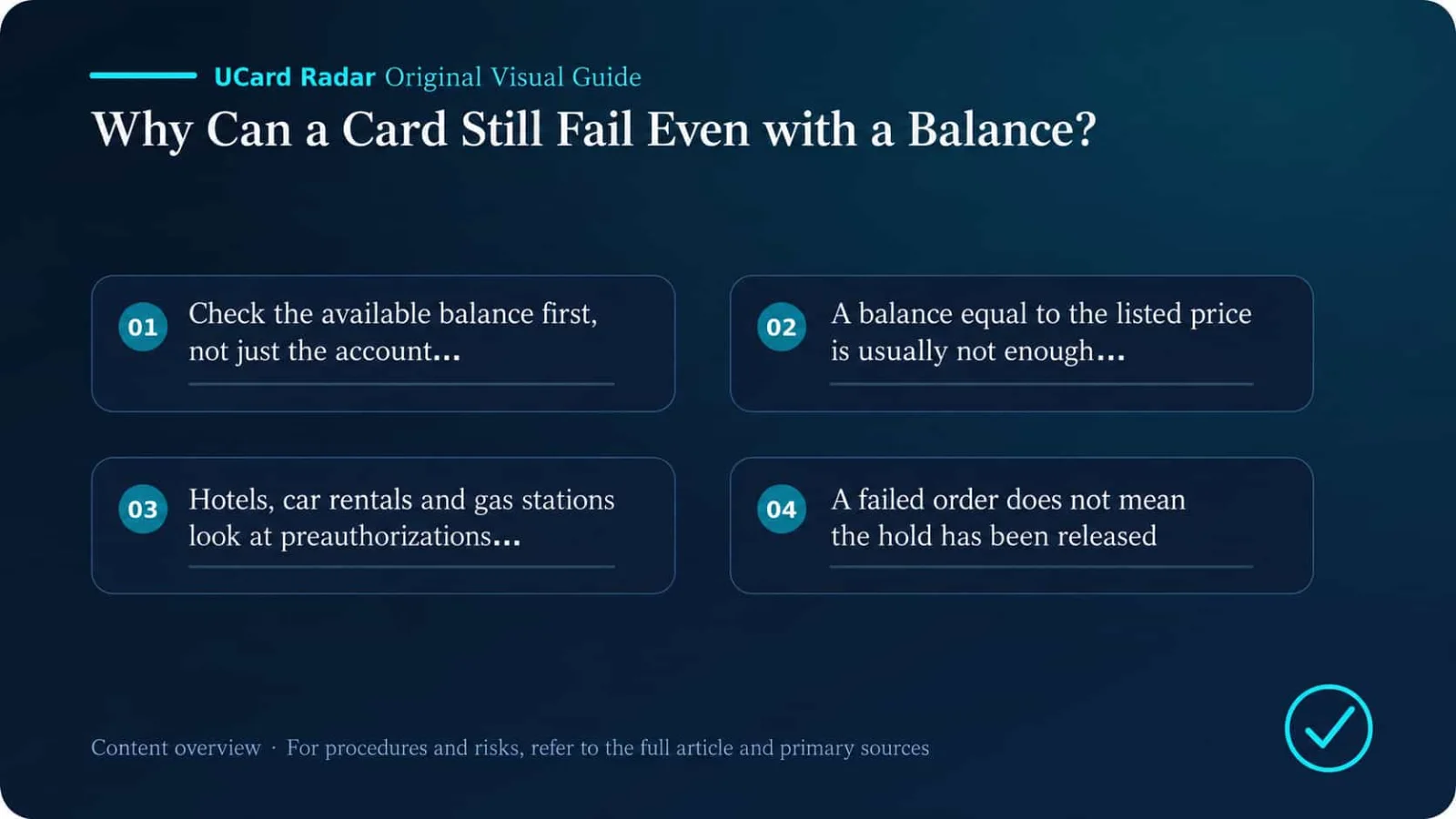
1. Check the available balance first, not just total account assets
Many U-card platforms place the wallet, trading account, and card account in the same app. The 100 USDT shown on the home page may still be in the crypto wallet and may not yet be in the balance that the bank card can actually use. A common path is:
USDT wallet → convert to USD → transfer to Card Balance → becomes spendable balance
Different platforms use different names, so before paying, focus on the following fields:
Available Balance;
Spendable Balance;
Card Balance;
Available to Spend;
Spendable card balance.
If the app shows total assets, card balance, and available balance at the same time, use the available balance as the reference. Wallet funds, wealth products, unsettled funds, frozen funds, and cashback rewards may not be directly spendable by card.
2. If the balance is exactly equal to the listed price, that is usually not safe enough
A product page showing USD 30 does not mean the issuer will receive an authorization request for exactly USD 30. Taxes, cross-border fees, foreign exchange fees, platform service fees, and exchange-rate fluctuations may all increase the actual authorization amount. For example:
Product price: USD 30;
Tax: USD 2.40;
Card platform fee: USD 0.60;
Final authorized amount received by the issuer: USD 33.
If the card only has USD 30, the system may still return insufficient funds. Stripe’s explanation of insufficient_funds also refers to the issuer account being unable to cover the actual requested amount. The decision is based on the real authorization amount, not the original price shown on the checkout page.
Small verification charges can also use up available balance. Some merchants place a USD 1 authorization or another small pre-charge before the real payment to verify that the card is valid. The amount is usually reversed, but before it is released, it still occupies available funds. So do not leave your balance with no margin, especially for cross-border and foreign-currency transactions.
3. Hotels, car rentals, and gas stations look at the pre-authorization amount
Hotels, car rental companies, and self-service gas stations usually cannot determine the final amount in advance, so they first place a pre-authorization hold. A hotel authorization may include room rate, taxes, deposit, and other estimated spending. A USD 200 room rate being authorized for USD 300 at the front desk is not unusual. Car rental companies may also freeze a deposit in addition to rental charges, and some explicitly reject prepaid or virtual cards. Self-service gas pumps may place a fixed hold first and then adjust it later to the actual fuel amount.
In these scenarios, payment failures usually happen for three reasons:
The balance can cover the purchase amount, but not the pre-authorization amount;
A previous authorization has not yet been released, so the available balance has already dropped;
The merchant requires a credit card and does not accept a prepaid card for deposits.
Cardholder agreements usually explain that merchants such as hotels, restaurants, car rentals, and gas stations may hold amounts higher than the final charge. When planning to use a U-card for these orders, ask the merchant in advance about the deposit and card policy, and leave room for the pre-authorization.
4. A failed order does not mean the hold has already been released
After the merchant page shows payment failed, the U-card app may still display Pending, Authorized, Processing, or On hold. This means the order was not completed, but the issuer had already approved the authorization and temporarily froze the corresponding funds.
For example, if the card originally had USD 100 and the first payment froze USD 60, the app home page may still show a total balance of USD 100, but only USD 40 is actually spendable. If you then try to pay USD 50 again, you may receive an insufficient-funds message.
How quickly the authorization is released depends on the merchant, the acquirer, and the issuer. Sometimes it takes a few hours; sometimes several days. After seeing Pending, do not immediately pay again. First ask the merchant whether the order was created. If there is no order, then ask the card platform when the authorization is expected to be reversed.
5. The stablecoin conversion may not be completed yet
A U-card may let you top up with USDT, USDC, BTC, or ETH, but that does not mean the card network settles directly in those assets. Most transactions still need to be converted into USD or EUR first before card authorization. The following situations may block the conversion process:
No default funding asset has been set;
Auto-conversion is not enabled;
The stablecoin is still in the wallet or trading account;
The top-up is still being confirmed and the funds are temporarily frozen;
The amount after real-time conversion is lower than the authorization amount;
The platform cannot temporarily provide enough liquidity;
The card does not support the transaction currency used by the merchant.
Before paying, check whether the card’s base settlement currency, default funding asset, and Card Balance have all been updated. If you see currency_not_supported, it is usually not just a balance issue, but a sign that the card or payment service provider does not support the current currency.
6. Even with USD 500, you may still be unable to spend USD 400
Card balance and spending limits are two different systems. Common U-card restrictions include per-transaction, daily, monthly, online-spending, and overseas-spending limits. If advanced KYC is not completed, the limits may be even lower.
Suppose the card has USD 500, but the online single-transaction limit is only USD 300. Then a USD 400 payment will definitely fail. Other transactions already completed or still under authorization that day may also consume the daily limit. Reset times are also easy to overlook. Some platforms calculate limits by UTC; others use the issuer-region time zone. Just because the user’s local time has passed midnight does not mean the card system has entered a new limit cycle. For large payments, check both the per-transaction limit and the amount already used in the current cycle.
7. A card showing Active does not mean every feature is enabled
If the card status shows Active, it only means the card is not fully frozen. Online payments, international transactions, recurring charges, contactless payments, and ATM withdrawals may each have separate switches. Overseas websites generally require these to be enabled:
Online Payment or E-commerce;
International Payment;
Card-Not-Present;
3-D Secure related verification.
Subscription services may also require Recurring Payment, Merchant-Initiated Transaction, and Card-on-File. If the physical card works offline but online subscriptions keep failing, checking these permissions is more useful than simply topping up more funds.
8. If the billing address is wrong, more balance will not help
Many payment gateways verify the billing address, postal code, and security code. Visa’s account verification services can also check whether the card account, address, and CVV2 match. Common mistakes include:
Using the shipping address as the billing address;
Using a current residential address that is not registered in the card profile;
Filling in a random U.S. address;
Country, state, city, and postal code do not match each other;
The card’s issuing country is different from the country entered for the address;
The name does not match the issuer’s records.
Some merchants treat an address mismatch as a risk signal, while others reject the transaction directly. Billing information should follow what is shown in the U-card app, the cardholder agreement, or the issuing platform. Do not invent the details yourself.
9. Your browser may still be storing old card details
After card replacement, BIN migration, an issuer change, or regeneration of a virtual card, the card number may not be the only field that changed. The expiry date, CVC, and billing details may also have changed. Before paying, re-check:
Card number;
Expiry date;
CVC or CVV;
Cardholder name;
Billing address and postal code.
Browser autofill, saved merchant payment methods, and password managers may still contain old information. If you see prompts such as incorrect_cvc or expired_card, it is best to open the U-card app and enter the details again instead of continuing to use autofill.
10. Even if 3-D Secure passes, the transaction may still be declined
3-D Secure is identity verification, not payment approval. After the user completes SMS verification, app confirmation, face recognition, or a one-time password, the issuer still checks balance, limits, region, merchant category, and risk score. Common 3DS issues include:
The browser blocks pop-ups or redirects;
Ad blockers interrupt the verification page;
The linked mobile number does not receive the code;
The U-card app does not send a push notification;
The verification times out;
The card does not support the 3DS version required by the merchant;
The merchant does not correctly process the authentication result.
authentication_required usually means the transaction needs authentication; authentication_failed or authentication_not_handled means authentication was not completed properly. Even if the authentication page shows success, the final authorization may still fail for other reasons.
11. A Visa or Mastercard logo does not mean every merchant accepts the card
Many U-cards are virtual prepaid cards, e-money cards, or crypto-linked cards. Being on the Visa or Mastercard network only means transactions can be routed through that network. It does not mean every merchant must accept the card. Merchants may restrict prepaid cards, virtual cards, foreign-issued cards, commercial cards, specific BINs, or cards that do not support pre-authorization or address verification. The following scenarios often receive stricter review:
Hotels and car rentals;
Advertising platforms and cloud servers;
Airlines and self-service gas stations;
Financial services and crypto asset platforms;
High-value electronics;
Long-term software subscriptions.
The CFPB explains that prepaid cards can usually be used online and offline like ordinary credit or debit cards, but where they can actually be used still depends on the card program rules and the merchant’s acceptance policy. A U-card that works on a general e-commerce site may still fail for a hotel deposit or an advertising account.
12. The issuer may block the merchant category
Issuers decide which transactions can pass based on the merchant category code, or MCC. Common restricted categories on U-card platforms include gambling, cash equivalents, remittances, financial services, ad spend, cloud computing, adult content, and crypto purchases. If the current merchant category is not allowed, common prompts include:
transaction_not_allowed;
service_not_allowed;
restricted_card;
card_not_supported.
card_not_supported usually means the card does not support the current transaction type. transaction_not_allowed is closer to the issuer actively forbidding the transaction. Adding more funds cannot remove an MCC restriction. The only solutions are to confirm support with the platform or use a different payment method.
13. The issuing country, address, and login environment may not match
Fraud controls may jointly consider the issuing country, billing address, account registration region, IP location, device information, transaction currency, and merchant country. Cross-border payments do not automatically fail, but the more conflicting signals there are, the easier it is for the transaction to be marked high risk. For example, the card is issued in Europe, the billing address is in the United States, the account is registered in another region, and the payment IP comes from Asia. The transaction may be blocked by the merchant’s own risk system before it even reaches the card network.
This kind of issue cannot be solved by repeatedly changing IP addresses or entering random addresses. The right approach is to use real information and keep the account region, billing address, and card information as consistent as possible.
14. After the first failure, do not click ten more times
Submitting the same card repeatedly in a short period can turn an ordinary failure into a fraud-control issue. Constantly changing the CVC, billing address, and amount, or binding the same card to multiple accounts one after another, can also increase the risk score. Stripe’s duplicate_transaction is a typical signal that similar transactions with the same card and amount were recently submitted. The issuer may then return a generic decline without a detailed explanation.
After a payment fails, first check the card transaction history and the merchant’s order status. Once you have confirmed that there is no Pending authorization, the details are correct, and the cause has already been addressed, then make another attempt.
15. A successful first monthly charge does not mean renewals will always work
ChatGPT, Claude, Midjourney, Netflix, Spotify, and cloud services commonly use recurring billing. The first payment is initiated by the user, while later renewals may be initiated by the merchant in the background. Mastercard’s payment rules treat recurring payments and other merchant-initiated transactions as separate framework scenarios. Renewal failures commonly happen when:
The card does not support recurring payments or merchant-initiated transactions;
The card number, expiry date, or CVC has changed;
The merchant still has the old card stored;
The issuer requires renewed authentication;
The renewal amount has changed;
The card has been temporarily frozen;
The platform has turned off subscription permissions.
If you plan a long-term subscription, confirm that the card explicitly supports Recurring Payment, Merchant-Initiated Transaction, or Card-on-File. One occasional success only proves that that one authorization passed.
16. What exactly does Do Not Honor mean?
Do Not Honor is a very common issuer-side generic decline. It only means the issuer did not approve the transaction and did not tell the merchant the specific reason. The underlying cause may be real-time risk control, regional anomalies, MCC restrictions, card status changes, a need for extra account verification, or internal issuer policy. For privacy and security reasons, payment processors and merchants usually cannot see the full reason. Only the issuer can investigate further.
When contacting support, prepare the transaction time, merchant name, amount, currency, last four digits of the card, the on-page prompt, and the transaction status shown in the app. Do not simply ask, “Why didn’t it work?” Ask clearly for the original authorization response code and the issuer’s decline reason.
17. The merchant shows an error, but there is no transaction record in the U-card app
If there is no record at all in the app, it usually means the authorization request never reached the issuer. The transaction may already have been blocked by the merchant or payment gateway. Common reasons include:
The merchant rejects prepaid cards, virtual cards, or the current BIN;
The billing address pre-check failed;
The merchant account region does not match the card region;
3DS did not start correctly;
The device, account, or attempt count triggered the merchant’s risk controls;
The card number has been restricted by the merchant.
In this situation, U-card customer support may not be able to find the transaction either. Troubleshooting should focus on the merchant’s error message, the card BIN, issuing country, billing address, and 3DS environment. By contrast, if the app already shows Declined, then the request reached the issuer system, and the issuer’s decline code should be investigated first.
18. Why does it show Pending if the order still failed?
Pending only means the funds were temporarily authorized. It does not mean the merchant successfully captured the payment. After the card authorization is approved, the merchant still needs to create the order and capture the transaction. If any step fails, you may end up in a situation where “money is frozen on the card, but no order was created.” First ask the merchant whether the order exists:
If there is an order: ask whether it is still being processed, and do not pay again;
If there is no order: wait for the authorization to be reversed, and ask the card platform when the release is expected;
If there are multiple Pending entries: verify them one by one, and do not assume on your own which one has already become invalid.
Paying again before the status is clear is the easiest way to end up with multiple simultaneous holds.
19. How to handle common error codes
Error Code | Common Meaning | Priority Action |
|---|---|---|
insufficient_funds | Not enough available balance | Check the card’s available balance, fees, and pre-authorizations |
authentication_required | 3DS authentication required | Complete SMS, app, or web verification |
authentication_failed | Authentication failed | Check the verification environment, mobile number, and card support |
incorrect_cvc | Incorrect security code | Re-obtain the current card’s CVC |
expired_card | Card has expired | Replace the card and update the merchant payment method |
card_not_supported | Card does not support this type of transaction | Use a card that supports this merchant scenario |
transaction_not_allowed | Transaction not allowed by issuer | Check permissions, MCC, and regional restrictions |
currency_not_supported | Card does not support the current currency | Change the settlement currency or card |
duplicate_transaction | Suspected duplicate payment | Stop retrying and wait for the original result |
restricted_card | Card is restricted | Contact the U-card platform to check account status |
do_not_honor | Generic issuer decline | Ask the issuer to check the original cause |
generic_decline | Reason not publicly disclosed | Stop repeated retries and contact the issuer |
processing_error | Payment processing error | Try again later or use another payment method |
Merchant pages often display all of these simply as “payment failed.” If the U-card app shows more complete transaction details, trust the original code shown on the issuer side.
20. A more practical troubleshooting order
If the payment fails, follow this order:
Stop retrying first. Do not keep clicking Pay, and do not change the address, CVC, and amount at the same time. Preserve the situation and check the merchant order and card records.
Determine whether the authorization reached the issuer.
No record: check merchant restrictions, BIN, billing address, and 3DS;
Declined: check balance, limits, permissions, MCC, and fraud controls;
Pending: confirm the order and wait for completion or release;
Reversed: confirm whether the funds have been restored;
Completed: use the transaction details to confirm the order with the merchant.
Verify the amount you can truly spend. Check Card Balance, Available Balance, frozen amounts, and Pending amounts, and confirm that wallet funds have already been transferred or converted.
Recalculate the amount the authorization really needs. Include taxes, transaction fees, exchange rates, conversion spreads, small verification holds, and pre-authorizations.
Check limits and feature switches. Verify per-transaction, daily, monthly, and online payment limits, and make sure Online, International, Recurring, and 3DS are enabled.
Re-enter the card details manually. Pull the card number, expiry date, CVC, cardholder name, billing address, and postal code again from the U-card app. Do not use old browser-saved details.
Decide whether the card fits this scenario. Confirm whether the merchant accepts prepaid cards, virtual cards, foreign-issued cards, and the current BIN. Hotels, car rentals, ads, cloud services, and recurring subscriptions especially require separate confirmation.
Contact support with complete information. Provide the transaction time, amount, currency, merchant name, last four digits of the card, transaction status, and decline code, and ask:
Did the issuer system receive the authorization request?
What was the original decline code?
Was the problem related to balance, limits, MCC, or regional restrictions?
Does this card support the current merchant and transaction type?
Is risk-control removal or additional verification required?
21. Which problems cannot be solved by topping up more money?
The following situations are not directly related to how much balance you have:
The merchant does not accept prepaid cards, virtual cards, or the current BIN;
The card does not support recurring billing or 3DS;
The current MCC is prohibited by the issuer;
The issuing country does not meet the merchant’s requirements;
The billing address or CVC does not match;
The card, account, or KYC status is restricted;
The card program has already been discontinued;
The merchant’s fraud system blocks the transaction before authorization;
The card does not support the current currency.
If the platform has clearly stated that a type of transaction is unsupported, continuing to top up only leaves more funds stuck on the card and does not improve the success rate.
22. How to reduce payment failures in everyday use
A few habits help a lot:
Look at available balance, not total account assets;
Leave extra room for taxes, exchange rates, and pre-authorizations;
Deal with Pending transactions promptly;
Use the real billing details registered on the platform;
Enable online, international, and 3DS functions in advance;
Use a card that supports recurring billing for long-term subscriptions;
Ask about the deposit and card policy before paying hotels or car rentals;
Do not retry repeatedly after a failure;
Regularly check limits, expiry dates, and card-replacement notices;
Save order numbers, transaction screenshots, and decline codes;
Keep a backup card from a different issuer.
If your card has balance but still cannot complete the payment, do not rush to top it up again. What really matters is how much the issuer system currently allows the card to spend and whether it accepts this transaction. If the app shows no transaction record, the problem likely happened at the merchant or payment gateway. If it shows Declined, ask the issuer for the original decline code. If it shows Pending, confirm the order first and wait for the authorization to complete or be released. Troubleshooting in the order of “transaction record → available balance → holds and pre-authorizations → limits and permissions → card details → merchant restrictions” usually finds the cause faster than repeatedly changing addresses, changing IPs, or adding more funds.
Scope of Sources and Conclusions
Primary verification sources: Visa Core Rules and Visa Product and Service Rules; Mastercard Transaction Processing Rules; Why was my credit card declined?.
The verifiable facts in this article regarding authorization, merchants, and payment-network handling when there is sufficient balance but payment still fails are based on the official or regulatory documents listed above. Actual service status, fees, eligibility, and regional scope should be based on the issuer’s or platform’s page at the time of application.
Different issuers, regions, account tiers, and merchant rules may lead to different outcomes. Any user experience, success-rate estimate, fee comparison, or trend judgment not directly disclosed by the primary sources above is analysis or inference and has not been officially confirmed by the relevant institutions for specific cases.