
A U Card may work perfectly in physical stores but show “payment failed,” “card declined,” or “please use another payment method” when used on a website. This is not unusual.
Online transactions are card-not-present transactions, meaning the physical card’s chip or magnetic stripe is not read during the payment. The merchant can only assess risk based on information such as the card number, expiry date, CVC, billing address, 3D Secure verification result, and device information.
A rejection at any layer—the issuer, acquirer, payment gateway, or merchant risk-control system—may ultimately appear to the user as the same simple message: “payment declined.”
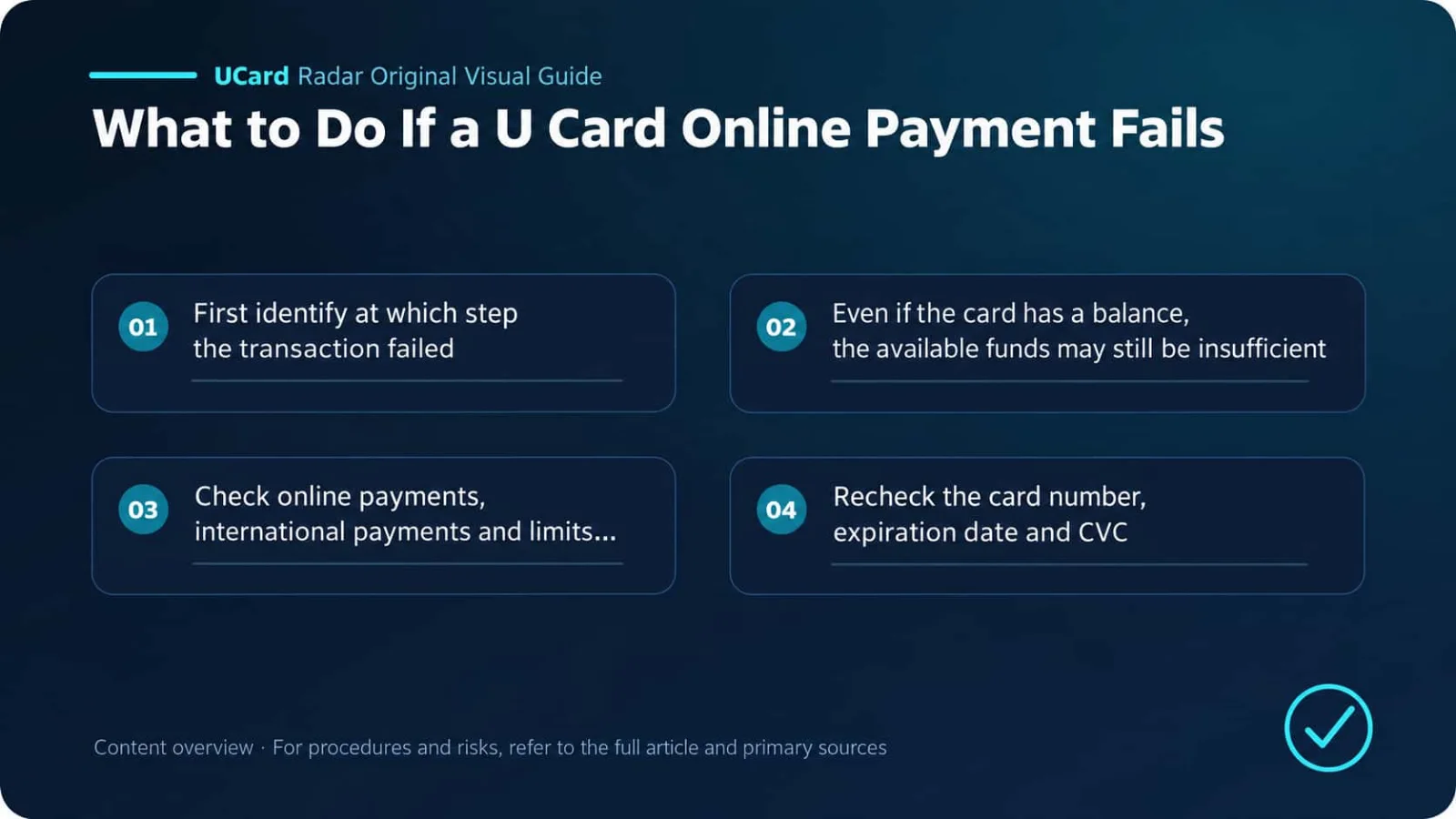
Therefore, do not keep clicking retry after a payment failure. Record the message shown on the page, transaction time, amount, and currency, then determine at which step the failure occurred. Once the correct cause is identified, the solution is often straightforward.
Sources and Scope of Conclusions
Primary-source verification: Visa Core Rules and Visa Product and Service Rules; Mastercard Transaction Processing Rules; What should I do if my prepaid card or PIN is lost or stolen, or I see unauthorized charges?.
Verifiable facts in this article regarding online payment authorization, declines, 3D Secure, recurring charges, and dispute handling are based on the official or regulatory documents listed above. Actual service status, pricing, eligibility, and regional coverage should be confirmed on the issuer’s or platform’s current application pages.
Different issuers, regions, account tiers, and merchant rules may produce different results. User experiences, success rates, fee comparisons, or trend assessments not directly disclosed in the primary sources above are analyses or inferences and have not been officially confirmed by the relevant institutions for individual cases.
1. First Determine Where the Transaction Failed
Failure symptom | More likely issue | What to do first |
|---|---|---|
Card number, expiry date, or CVC error appears before submission | Card details or input format | Recheck the details in the U Card app |
Payment is declined immediately after clicking pay | Balance, limits, card permissions, MCC, or issuer risk controls | Check the original decline reason in the app |
Failure occurs after redirecting to a verification page | 3D Secure, verification code, or browser redirect | Check 3DS support and contact details |
Page spins for a long time and then fails | Payment gateway, network, or verification callback interruption | Wait until transaction status is clear before retrying |
Merchant shows success, then cancels the order | Merchant secondary risk review, inventory, or later review | Contact the merchant to verify the order |
First payment succeeds but renewal fails | Recurring payment, balance, or payment token | Check recurring payment support |
Stripe generally groups payment failures into issuer declines, payments blocked by fraud-prevention systems, and invalid payment requests. Merchant pages may not reveal the specific reason to the user, so transaction records in the U Card app are usually more informative. Stripe: Card declines
2. Having Money on the Card Does Not Always Mean You Have Enough Available Balance
Check the available balance rather than only the total account balance.
The following may already be reserving part of your balance:
Unreleased preauthorizations;
Merchant taxes, service fees, or tips;
Exchange-rate differences and fees from foreign-currency conversion;
Transactions that appeared to fail but are still pending;
Small verification authorizations used by subscription merchants.
For example, if an item is priced at USD 100 and the card balance is exactly USD 100, the transaction may still fail if the final authorized amount is even slightly higher. Leave some buffer when paying, especially for hotels, car rentals, gas stations, food delivery, and websites that calculate taxes separately.
If the app shows both a ledger balance and an available balance, use the available balance as the reference.
In Stripe decline codes, insufficient_funds means that the balance or available credit is insufficient. card_velocity_exceeded may indicate that transaction amount, transaction frequency, or available limit thresholds have been reached. Stripe: Decline codes
3. Check Online Payment, International Payment, and Spending-Limit Settings
Some U Cards disable online payments by default or allow transactions only for certain countries, currencies, or merchant categories. Being able to pay in a physical store does not mean online payments are enabled.
Open the U Card app and check:
Whether the card is activated, frozen, or temporarily locked;
Whether online payment or e-commerce is enabled;
Whether international transactions are enabled;
Whether per-transaction, daily, and monthly limits are sufficient;
Whether the merchant’s settlement currency is supported;
Whether subscriptions and subsequent merchant-initiated charges are allowed;
Whether the merchant’s MCC is restricted.
Card-issuing platforms can apply rules based on country, MCC, transaction amount, and transaction frequency. Adyen’s issuing documentation includes examples of rules that decline transactions based on country and merchant category. This is one reason why the same card can work on one website and fail on another. Adyen: Transaction rules examples
Gambling, cryptocurrency trading, money transfers, quasi-cash transactions, adult content, and some advertising platforms are often subject to additional restrictions. The exact scope depends on the issuer and card program and should not be reduced to the assumption that “Visa or Mastercard should support it.”
4. Recheck the Card Number, Expiry Date, and CVC
A virtual card may receive a new card number, expiry date, or CVC after replacement, regeneration, or risk-control action. Old card details stored in the browser will not update automatically.
When paying, check the following again in the U Card app:
Full card number;
Expiry month and year;
Current CVC;
Spelling of the cardholder name;
Billing address and postal code associated with the card.
Do not automatically use the residential address entered when registering with the platform as the card’s billing address. The two may be the same or different. Use the information provided or confirmed by the issuer.
Address verification services compare the billing address or postal code. A mismatch in the CVC, address, or postal code may cause a decline or trigger merchant risk controls. Adyen: Validation checks · Stripe: Card verification checks
Do not invent a U.S. address simply to “increase the success rate.” A false address may pass format validation but is more likely to fail if it does not match the issuer’s records and may also violate platform terms.
5. 3D Secure Was Not Completed
3D Secure, commonly called 3DS, is a common cardholder-authentication process for online payments. Verification may use an SMS code, email code, in-app approval, or another form of multi-factor authentication.
EMVCo uses EMV 3DS for cardholder authentication in card-not-present e-commerce transactions, helping issuers and merchants identify cardholders and reduce fraud risk. EMVCo: EMV 3-D Secure
Common causes of failure include:
The U Card does not have 3DS enabled or does not support it;
No usable phone number or email address is linked to the platform account;
The verification code is not received, has expired, or is entered incorrectly;
The browser blocks pop-ups, cross-site cookies, or redirects;
Payment is made through an in-app browser that cannot return to the merchant after verification;
The merchant requires strong authentication, but the payment gateway does not correctly initiate 3DS;
An unstable proxy or network interrupts the verification callback.
Adyen documentation indicates that transactions requiring strong customer authentication may be declined if they do not correctly go through 3DS. Errors in the 3DS network or at the issuer can also return authentication errors. Adyen: 3DS troubleshooting · Adyen: Refusal reasons
In such cases, try the latest version of Safari or Chrome, or the merchant’s official app. Allow necessary pop-ups and redirects, and confirm that the phone number and email linked to the U Card platform can receive verification codes. Do not repeatedly refresh or go back during verification.
6. The Merchant May Not Accept This Type of Card
Some websites restrict payment methods based on card characteristics or issuing region. For example, they may:
Not accept prepaid cards;
Reject some virtual or single-use cards;
Reject cards issued in certain countries or regions;
Prevent crypto payment cards from purchasing financial or digital-asset services;
Require recurring-payment support for subscriptions;
Reject cases where the account region differs from the card’s issuing region;
Reject the current BIN through merchant risk controls.
In these cases, the card itself may be completely normal and still work on other websites.
Messages such as card_not_supported, transaction_not_allowed, or currency_not_supported usually require confirmation with the issuer as to whether the card supports that transaction type, currency, and merchant. Stripe: Decline codes
If the same card is declined across multiple unrelated websites, the issue is more likely related to the card or issuer. If only one website fails, check merchant restrictions and merchant risk controls first.
7. Merchant Risk Controls May Have Blocked the Transaction
Online merchants assess account, device, network, order, and card information together. The following behavior is more likely to be treated as high risk:
Submitting many payment attempts within a short period;
Linking the same card to multiple new accounts;
Frequently changing IP address, country, or device;
Large differences among account region, IP region, billing address, and card issuing region;
Using a newly registered account to purchase high-value or easily resold goods;
Entering the wrong CVC or verification code repeatedly;
A clear mismatch between the order name and cardholder information.
The real reason for this type of decline may not be disclosed to the user. The page may show only generic_decline, do_not_honor, or “payment method unavailable.”
Stripe also notes that payments may be blocked because they appear fraudulent, and legitimate transactions can sometimes be falsely flagged. Stripe: Acceptance analytics
After two or three consecutive failures, stop retrying. Continued attempts may trigger stricter restrictions. Stripe even has a card_decline_rate_limit_exceeded error indicating that the same card has been declined too many times. Stripe: Error codes
8. Subscription Payments Require Separate Checks for Recurring Charges
Services such as ChatGPT, Claude, Cursor, cloud servers, and streaming subscriptions may store card credentials and charge them later without the cardholder actively entering a verification code each time. This is different from a one-time payment completed interactively by the user.
If the first month succeeds but renewal fails, common causes include:
Insufficient available balance at renewal time;
The card supports only one-time transactions;
The issuer does not allow recurring or merchant-initiated transactions;
The card number or security details changed after card replacement;
The merchant’s stored payment token expired or was revoked;
The initial payment did not complete the authentication required for future charges.
Adyen validation rules may check whether the original recurring transaction was properly authenticated. Stripe also explains that an issuer may reject later charges if it cannot confirm that the cardholder consented to future payments. Adyen: Validation checks · Stripe: Recurring payment consent
For subscriptions, use a normal virtual or debit card that supports recurring payments and has stable card credentials. Single-use virtual cards, short-term cards, and cards whose CVC changes frequently are not suitable for long-term subscriptions.
9. Handle the Problem According to the Error Message
Different payment gateways do not use exactly the same codes. The following are common meanings. The final judgment should be based on the original decline reason supplied by the merchant or issuer.
Error code or message | Common meaning | What to do |
|---|---|---|
incorrect_number | Incorrect card number | Copy the card number again from the U Card app |
incorrect_cvc | Incorrect CVC | Check the current security code and remove old saved browser data |
expired_card | Card expired | Replace the card and update the merchant payment method |
insufficient_funds | Insufficient available balance | Add funds after accounting for taxes, exchange rates, and preauthorizations |
authentication_required | 3DS required | Complete SMS, email, or app verification |
authentication_failed | 3DS failed | Check the verification code, contact details, browser, and network |
card_not_supported | Card does not support the transaction | Ask whether prepaid cards, online payments, or subscriptions are restricted |
transaction_not_allowed | Issuer does not allow the transaction | Check MCC, region, currency, and card permissions |
currency_not_supported | Settlement currency not supported | Change the merchant settlement currency or use another card |
do_not_honor | Generic issuer decline | Contact the issuer for the original decline reason |
generic_decline | Specific reason not disclosed | Stop repeated retries and contact the issuer and merchant |
processing_error | Payment processing error | Wait until the transaction status is clear before retrying |
duplicate_transaction | Suspected duplicate payment | Do not submit again; first check pending transactions |
10. The Correct Troubleshooting Order
Step 1: Stop Repeated Retries
Wait a few minutes and check whether the app shows a pending, failed, or reversed transaction. A failed web page does not necessarily mean the authorization request never reached the issuer.
Step 2: Save the Necessary Information
Record the merchant name, time, amount, currency, and message shown on the page. Do not screenshot or send your full card number, CVC, SMS verification code, or identity documents.
Step 3: Check Card Status
Check the available balance, expiry date, online-payment setting, international-payment setting, per-transaction limit, and any recent freeze notifications.
Step 4: Verify Billing Information and Complete 3DS
Re-enter the current card details, use the billing address recognized by the issuer, and make sure verification codes can be received normally.
Step 5: Contact the Card-Issuing Platform
Provide customer support with the transaction time, amount, currency, and merchant name, and ask them to check the original decline code. You can ask directly:
Was this transaction declined because of balance, 3DS, MCC, regional restrictions, recurring-payment permissions, or issuer risk controls?
Visa’s consumer support guidance also recommends contacting the card issuer after a decline because the issuer is best positioned to determine the specific reason. Visa Consumer Support
Step 6: Contact the Merchant or Use Another Payment Method
If the issuer confirms that no authorization request was received, the problem is more likely to be with the merchant or payment gateway.
Ask the merchant to check order risk controls, account-region settings, and payment-method restrictions. If the merchant clearly does not accept this type of card, repeated retries are unlikely to help. Use a payment method that meets the merchant’s requirements.
11. These Actions Usually Make the Problem Worse
Submitting payment a dozen times in a row;
Constantly switching VPNs, devices, or countries;
Entering a fabricated billing address;
Repeatedly adding money to the card just for testing;
Sending the full card number, CVC, or verification code to online groups or unofficial support agents;
Buying someone else’s verified account or preconfigured U Card;
Placing another order while the transaction is still pending;
Initiating a chargeback immediately after seeing a verification charge.
A small verification charge or preauthorization is not necessarily a final charge. A merchant may first verify the card and later release the authorization. Release timing depends on the merchant, acquirer, and issuer.
If the transaction is still pending, confirm the authorization status with the platform first instead of immediately treating it as unauthorized use.
U Card online payment failures usually fall into four broad categories: card information mismatch, issuer restrictions, incomplete 3DS verification, or merchant risk controls that do not accept the card.
The fastest troubleshooting method is to determine where the failure occurred and then check the original record in the U Card app. If balance, permissions, and card information are all correct, move on to 3DS and merchant restrictions. If only one website fails, check with the merchant first. If multiple websites fail at the same time, contact the issuing platform first.
Do not rely on repeated retries. Obtaining the original decline code is usually more useful than changing browsers, changing networks, or repeatedly topping up the card.