
Crypto payment cards may work for app purchases, in-app purchases, and subscriptions on the App Store and Google Play. However, a Visa or Mastercard logo does not guarantee compatibility. A card that works for international online shopping may still be rejected because of an app store's payment policies, the account's country or region, the card's actual issuance type, or restrictions imposed by its issuer.
It is also important to distinguish app store payments from Apple Pay and Google Wallet, and initial purchases from subscription renewals. These transactions can involve different verification and authorization requirements.
How Do the App Store and Google Play Process Card Payments?
App Store purchases and subscriptions to Apple services are generally billed through the payment methods associated with an Apple Account. Google Play processes app, game, in-app purchase, and subscription payments using the payment profile linked to a Google account. Both platforms offer different payment methods depending on the account's country or region.
When a crypto payment card is used, the app store generally processes a card network transaction rather than an on-chain USDT or USDC payment. For example, a Visa card funded by USDC must still obtain authorization through the relevant payment network and issuer when used on the App Store. Whether crypto assets must be converted in advance, and when funds become available for spending, depends on the card provider and other participating institutions under the product's terms.
Having enough stablecoins in a wallet therefore does not necessarily mean the card has sufficient available spending capacity for authorization. Nor does it resolve the app store's payment method eligibility restrictions.
App Store Payments Are Not the Same as Apple Pay or Google Wallet
Apple Pay allows customers to pay with eligible cards stored in Apple Wallet at participating physical merchants, websites, and apps. App Store purchase history, subscriptions, and regular payment methods are managed through the Apple Account. The systems are related, but they are not interchangeable.
In its guidance on billing and purchases in Europe and Japan, Apple states that customers in the relevant countries and regions can use eligible cards in Wallet on an iPhone or iPad to make App Store and other Apple media purchases through Apple Pay. Apple's country and region payment methods list identifies other markets where Apple Pay is supported. Actual eligibility still depends on the account's region and the card's qualifications. A card appearing in Wallet does not, by itself, establish that it is eligible for Apple Account payments.
Google Wallet primarily stores payment cards and other digital credentials, while Google Play processes purchases under its own payment policies. A crypto payment card that supports contactless payments through Google Wallet is not necessarily accepted at Google Play checkout. Conversely, a card eligible for Google Play does not need to be added to Google Wallet first.
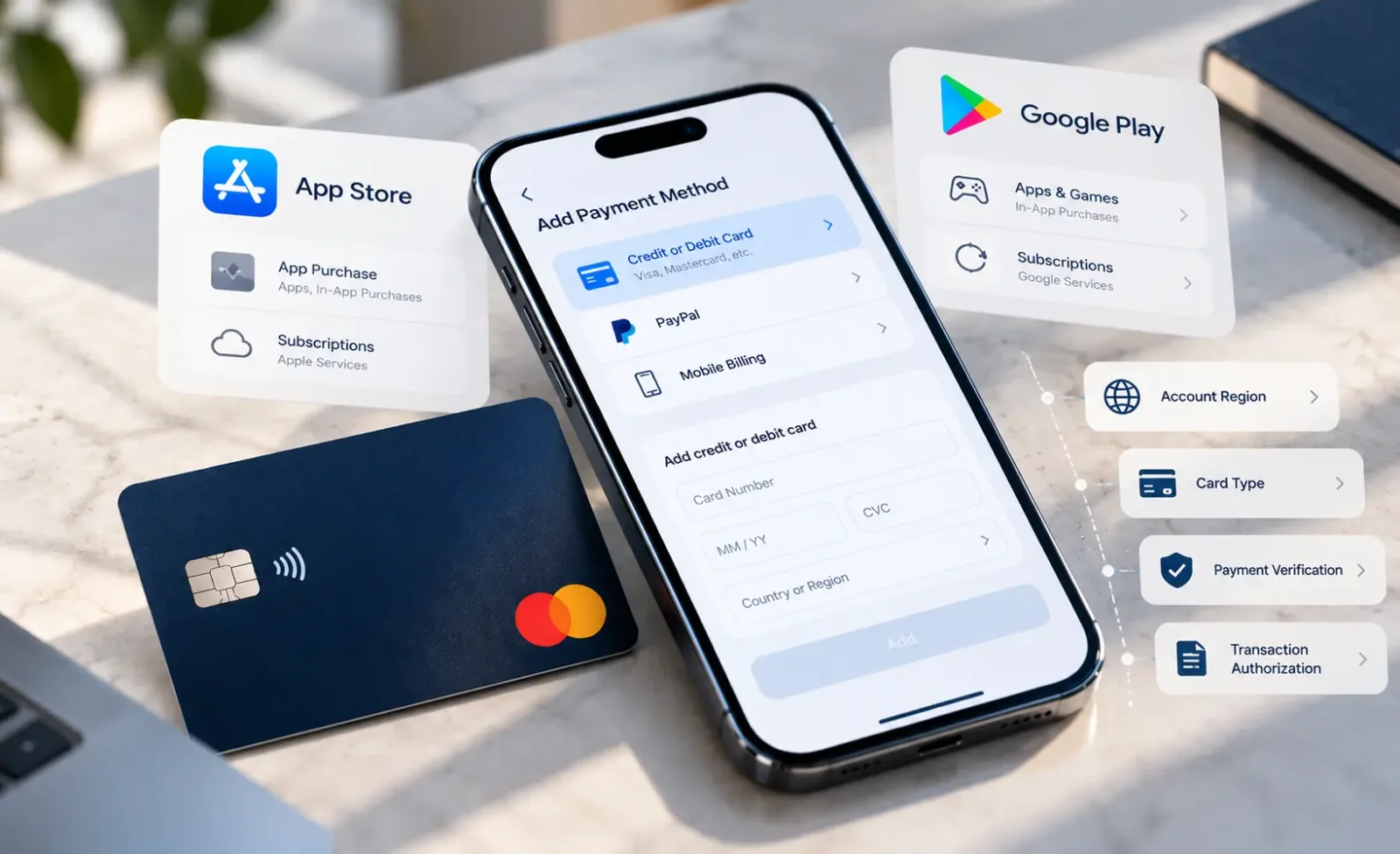
Can You Use a Crypto Payment Card on the App Store?
Apple accepts eligible credit or debit cards in most markets, but supported methods vary by country or region. According to Apple's official payment methods list, US Apple Accounts support most credit and debit cards, Apple Pay, PayPal, and eligible account balances. In Brazil, the listed options include most credit cards, Apple Pay, and applicable account balances. The US debit card rules should not be assumed to apply in Brazil. Other markets may also support carrier billing or local payment services.
Is the Card an Accepted Payment Type for the Apple Account?
Crypto payment cards may be structured as prepaid cards, debit cards, credit cards, or collateral-backed credit products. Even when they carry the same Visa or Mastercard branding, their underlying issuance types, issuing regions, and transaction permissions may differ. Apple's regional payment methods lists do not certify individual crypto card brands. Therefore, "most debit cards" should not be interpreted to mean every card offered by a particular issuer.
Do the Apple Account Region and Billing Details Meet the Requirements?
An Apple Account's country or region determines which payment methods are available. A card's ability to handle international online purchases does not guarantee that it will pass payment verification for an account registered in another region.
When adding a card, the name, actual billing address, and other details must match the information on file with the issuer. Apple explicitly states this in its instructions for adding a payment method. The residential address entered when registering with a crypto card platform may not be the card's billing address. Any required verification should be completed through the issuer's official text messages, app, or other approved channels.
Does the Card Permit App Store Transactions?
Passing verification when a card is added does not eliminate the need for transaction authorization at the time of purchase or renewal. Available spending funds, per-transaction or periodic limits, restrictions on digital goods, card status, and issuer risk controls can all affect the outcome. For cards linked to a wallet or using real-time conversion, users should also confirm that the relevant assets, conversion function, and spending permissions are available when the charge is attempted.
What Restrictions Does Google Play Place on Virtual Cards?
Google Play's accepted payment methods guidance lists credit and debit cards from networks including Visa and Mastercard. It also explicitly identifies Virtual Credit Cards (VCCs) as an unsupported payment type.
This does not mean Google bans every virtual crypto payment card. Virtual Credit Cards, Virtual Debit Cards, virtual prepaid cards, and products marketed under the general label "Virtual Card" should not be treated as the same issuance category without verification. Equally, a virtual debit card should not be presumed exempt from VCC restrictions or guaranteed to work simply because its name is different.
Card status | Assessment for Google Play payments |
|---|---|
Confirmed to fall within Google Play's unsupported VCC category | Should not be expected to work as a standard payment method |
Issued as a debit card or a credit card outside the restricted VCC category, and compliant with local payment policies | May be added under platform rules, subject to account verification and transaction authorization |
Virtual debit or virtual prepaid card with no product-specific compatibility evidence | The absence of a VCC label alone does not establish compatibility |
Marketed only as a "Virtual Card," with the actual issuance type unknown | Confirm with the card provider; Visa or Mastercard branding and ordinary e-commerce transaction history are insufficient evidence |
Google does not publish a worldwide compatibility list covering virtual crypto card products. Failure to add a card under one card program does not establish that a different regional program, issuance category, or physical card from the same brand will also fail. Product assessments should prioritize cardholder agreements, issuer documentation, and verifiable transaction records that establish the conditions under which a card was used.
Why Does the Google Play Account Country Affect Payments?
A Google Play account's country or region affects content availability and supported payment methods. Under Google's official country change rules, users selecting a new country or region must actually be located there and have a payment method that meets its requirements. Accounts belonging to a Google family group cannot directly change their Play country or region.
Google also specifies that users must wait at least 90 days after first setting their Google Play country or region before changing it, and at least 90 days between subsequent changes. Additional restrictions may apply. International travel does not justify switching account countries arbitrarily, and fabricated addresses should not be used to bypass verification.
After a country change, existing subscriptions generally remain associated with the previous payment profile unless canceled. To subscribe using a payment profile in the new country, users may need to cancel and subscribe again, and the service might not be available in the new region. Anyone with multiple payment profiles should check which profile and country are actually used for the purchase rather than relying on the device's language settings.
How to Add a Crypto Payment Card to the App Store
On an iPhone or iPad:
Open Settings, select your Apple Account, and go to Payment & Shipping.
Select Add Payment Method and enter the card details and billing information matching the issuer's records.
Complete any required issuer verification, then return to the page to confirm that the card has been saved.
If multiple payment methods are saved, check their order. Apple may attempt charges in the order the methods appear in the account. Once the card has been added, there is no need to buy expensive content solely to test it. Instead, check the purchase order and card transaction record when making a genuine purchase.
If the system immediately reports that the payment method is unsupported, check the account region and card type first rather than repeatedly entering inaccurate billing addresses.
How to Add a Crypto Payment Card to Google Play
On an Android device:
Open Google Play, tap your profile picture, and go to Payments & subscriptions → Payment methods.
Choose the option to add a payment method and enter your card information using the options available in your current region.
Complete any prompted verification and confirm that the method is saved to the correct Google account.
Adding a card does not mean a purchase transaction has been approved. Google may perform a temporary authorization check, and a subsequent purchase may require additional verification or be declined by the issuer. Review Google Play order history and the card's transaction status separately.
If you receive "Your transaction cannot be completed" or "Use another form of payment," consult Google's payment troubleshooting guide and check your payment profile, card status, and any account verification notices.
Why Can a Subscription Renewal Fail After a Successful First Purchase?
An initial purchase is generally confirmed directly by the user. Automatic renewals are initiated by the app store at scheduled intervals under an existing subscription authorization. The two transactions may be subject to different authentication and authorization requirements.
A prefunded crypto payment card must have enough spendable funds available when a renewal is due. Cards that use real-time conversion or are linked to wallets may also depend on asset availability, conversion rules, and permissions for automatic charges at that time. A successful initial payment does not guarantee that future renewals will be authorized.
Pay particular attention to the following changes:
Card replacement, expiration, or changes to payment credentials. Card details stored with the store may need updating. Some card programs support automatic credential updates, but this should not be assumed for all crypto cards.
Changes to spending permissions or limits. Card freezes, recurring payment restrictions, transaction limits, or changes in issuer risk controls can cause renewals to fail.
Outstanding orders or unresolved verification. Payment profile issues, security reviews, or unpaid balances associated with an Apple or Google account may prevent further charges.
Google Play offers backup payment methods for eligible subscriptions. Some accounts can enable multiple backup methods, while accounts using an older mechanism may set a backup method for an individual subscription. If the primary method fails, Google may attempt to charge a selected eligible backup method. Not every payment type is eligible.
It is also important to identify who actually bills the subscription. The same service may offer subscriptions through an app store and separately through the developer's website, with the latter billed directly by the developer or its payment service provider. Successfully paying on the website does not establish that the same card will be accepted through in-app store billing. Apple's guidance on external purchases also notes that billing support, refunds, and subscription management for purchases made outside its payment system may be handled by the developer.
How to Troubleshoot Crypto Card Payments That Fail on the App Store or Google Play
First identify whether the problem occurs when adding the payment method, verifying identity, authorizing a purchase, fulfilling an order, or renewing a subscription. Each failure point requires a different response.
The Payment Method Cannot Be Added
Check whether the account's country or region supports the payment type, whether the card's actual issuance category is restricted, and whether the name, billing address, and postal code match the issuer's records. If necessary, ask the card provider whether app store or digital content transactions are permitted. Adding funds to the card will not overcome Google Play's VCC policy restrictions.
The Card Was Added, but the Purchase Was Declined
Check the card's status, expiration date, available authorization capacity, transaction limits, and permissions for digital goods purchases. If the card provider can locate a declined transaction, ask for the specific decline reason. If no authorization request is visible, also review the store account's payment profile, verification notices, and restrictions, and contact the relevant platform's support team.
For stablecoin-funded cards, distinguish the crypto assets held in a wallet from the card's currently available spending capacity. Funds not yet credited to the card account, incomplete conversion, or suspended spending permissions can all result in a declined authorization.
OTP, 3D Secure, or Other Verification Failed
Complete the verification process through the issuer's official app, SMS messages, or approved authentication channels. If a one-time password never arrives, an authentication page fails to load, or the payment is rejected even after authentication succeeds, ask the issuer to check the authentication record and authorization outcome separately. Incomplete authentication and an issuer-declined transaction are different failure categories.
The Balance Decreased, but the Store Says the Order Failed
Compare the store's order records with the issuer's transaction details to determine whether the amount represents a pending authorization, a reversed authorization, or a cleared charge. A temporary reduction in available balance does not mean the store has received final payment.
If no order exists but funds remain held, ask the issuer about the authorization's status. According to Google, pending authorizations may remain for 1–14 business days. If the hold has not been released after 14 business days, contact the issuer. If the charge has been completed but the purchased goods or services were not delivered, contact Apple, Google, or the developer according to the actual billing channel.
Do not repeatedly place the same order before confirming its status, as this can create multiple pending authorizations or duplicate orders.
The First Purchase Worked, but the Subscription Renewal Failed
Review the subscription status and next billing information. Check whether the card has expired, been replaced, or been frozen, and whether recurring payment permissions, available funds, or transaction limits have changed. Also check the Apple or Google account for outstanding balances or verification requests. Google Play users should review any eligible backup payment methods they have configured. If necessary, update the card information or restore the subscription using another payment method supported locally.
Can Apple Pay, PayPal, or Gift Cards Work Around Payment Restrictions?
Apple Pay: This is an option only where the Apple Account's region supports Apple Pay as a payment method and the card in Wallet meets the applicable requirements. It is not a universal workaround for App Store payment restrictions.
PayPal: Apple and Google accept PayPal in some markets. Where a local PayPal account allows an eligible crypto card to be linked as a funding source, users may attempt payment under the platform's rules. PayPal's regional requirements, funding source eligibility, and issuer restrictions still apply.
Apple Account balance and Google Play balance: Some markets allow eligible purchases using account balances, gift cards, or official top-up methods. Availability may vary by product or subscription type. Google's gift card rules explicitly restrict the countries and currencies in which gift cards may be redeemed and used. Gift cards issued for another region are not a general-purpose method of paying across regions.
These are alternative billing arrangements. Their availability does not establish that the original crypto payment card is supported by the app store.
What Should You Verify When Choosing a Crypto Payment Card for App Store Purchases?
Check | Questions to verify |
|---|---|
Card issuance type | Is it prepaid, debit, credit, or another structure? Can its actual product classification be verified? |
Issuer and card program | Which entity is identified as the issuer in the cardholder agreement? Are different card programs used across regions? |
Account country or region | Which payment methods are accepted in the relevant Apple or Google account region? |
Virtual card restrictions | Do Google Play's VCC restrictions apply to this product? Is there verifiable evidence of compatibility? |
Digital goods transactions | Does the issuer permit app store and digital content purchases? |
Automatic renewals | Are recurring charges permitted, and can sufficient funds remain available? |
Payment authentication | Who provides OTP, 3D Secure, or other authentication, and how are failures handled? |
Fees and currencies | Are there crypto conversion, foreign exchange, or cross-border transaction fees? |
Verification should rely primarily on cardholder agreements, issuer terms, official help documentation, and verifiable transaction records. A successful payment with a particular card in one country at one point in time supports a conclusion only under those specific test conditions. Results should be recorded separately for virtual and physical cards, different issuing regions, and different card programs. Where evidence is unavailable, the appropriate classification is "Not yet verified," rather than an unsupported claim of compatibility or incompatibility.
Conclusion
When choosing a crypto payment card for an app store, first verify payment method eligibility and whether the card program supports digital goods and automatic renewals. Then test it using a legitimate account and a normal purchase flow. If the failure results from the card's issuance type or an app store policy restriction, adding more USDT or USDC will not resolve it.
References
The following official Apple and Google resources were reviewed on October 25, 2026: