
Your U Card has already been topped up, and the app shows funds available, so why does the payment still fail? Many people immediately think, “This card doesn’t work,” and some even suspect that the platform is broken. In reality, card payments involve much more than simply deducting money from your balance. The merchant, payment gateway, acquirer, Visa or Mastercard, issuer, and the U Card platform’s funds system may all be involved in a single transaction. If any one of them rejects the transaction, what the user usually sees is only Card declined, Payment failed, Do not honor, or Authentication failed. The message is short, but the underlying reasons may be completely different. The most useful first step is not clicking “Pay” again right away, but opening the U Card app to check whether there is a transaction record. This usually helps determine whether the problem occurred on the merchant side or has already entered the issuer system.
Check the transaction record first—do not rush to pay again
After a failed payment, the U Card app usually shows one of five situations.
No record at all
This usually means the payment request never reached the issuer. The merchant or payment gateway may have blocked the transaction before that stage. Common reasons include:
The merchant does not accept prepaid cards, virtual cards, or foreign-issued cards;
The BIN, issuing country, or billing region does not meet the merchant’s rules;
The card number, expiry date, or CVC was entered incorrectly;
The billing address pre-check failed;
3-D Secure did not launch properly;
The payment gateway judged the risk to be too high.
In this case, U Card support may not be able to find any information because the platform never received an authorization request. First check the checkout error message, payment details, browser pop-ups, and the merchant’s card acceptance policy.
Shows Declined
This usually means the authorization reached the issuer system, but the issuer refused it. Open the transaction details and check whether there is a Decline code, Response code, Reason, merchant name, transaction currency, and authorized amount. Insufficient funds, exceeded limits, frozen cards, international payments not enabled, MCC restrictions, and issuer risk controls can all result in Declined.
Shows Pending or Authorized
The issuer has temporarily approved the authorization and frozen the amount, but the transaction has not yet been cleared. Pending does not mean the merchant has already received the money. Hotels, rental cars, and gas stations may also hold more than the final spending amount. Do not pay again at this stage. First confirm whether the merchant order was created, then wait for the transaction to complete or for the authorization hold to be released.
Shows Reversed or Reverted
The transaction was authorized and then canceled. This may happen because the merchant did not complete the capture in time, the order creation failed, the payment gateway terminated the transaction, or the merchant canceled the order. The funds usually return to your available balance, but the exact timing depends on the issuer and card program.
Shows Completed, but the merchant says no payment was received
Do not pay again immediately, or you may create a duplicate charge. Save the transaction record, order number, amount, time, authorization code, merchant name, and customer support communications. Ask the merchant to trace the original order first, then contact the card platform to verify the settlement status.
Why does it still say insufficient funds when there is money on the card?
The “total assets” in your U Card account are not always the same as the amount actually available for card spending. A platform may have a crypto wallet, spot account, funding account, fiat balance, and Card Balance at the same time. Having 100 USDT in your account does not mean the card can directly use that 100 USDT. If the platform requires you to transfer funds into the card balance first, you may still get an insufficient funds error before that transfer is completed.
You also need to distinguish total balance, frozen balance, and available balance. A transaction already in Pending status may be holding part of your funds. The page may look like you still have money, but the actual available amount for spending may not be enough. In addition, the payment amount is not always equal to the listed product price. The actual authorization may also include:
Taxes and fees;
Stablecoin conversion spread;
Foreign exchange conversion fees;
Cross-border transaction fees;
Platform fees;
Small merchant verification charges;
Hotel, car rental, or gas station pre-authorizations;
Exchange-rate changes at the moment of authorization.
If you are paying for a USD 30 subscription, leaving only the equivalent of USD 30 on the card is not always safe. Use the available card balance shown in the app as the reference, and leave some extra room.
A stablecoin balance may still get stuck in the conversion step
Some U Cards do not charge directly from USDT or USDC. In practice, the stablecoin may first be converted into a USD or EUR card balance before an authorization is sent through the card network. In that case, the payment failure may not happen in the Visa or Mastercard network at all—it may happen because the platform’s internal conversion did not complete. For example:
No default spending currency has been set;
The current stablecoin is not supported by the card;
Wallet funds were not moved into the spending account;
Auto-conversion is turned off;
The balance is frozen or still pending credit;
The conversion amount is below the minimum requirement;
Exchange-rate movement leaves the balance insufficient.
If the app shows both Wallet Balance and Card Balance, the latter is the one that matters more for card payments.
Card details: number, expiry date, and CVC
The most basic issues are often the easiest to overlook. Check again whether the full card number was copied correctly and whether spaces were accidentally included; whether the month and year in the expiry date were reversed; and whether the CVC came from the current card rather than old card information saved by the browser. After a replacement card, a card program upgrade, or a BIN migration, a U Card may generate a new card number, expiry date, and CVC. Old card details saved in a merchant account do not update automatically, so recurring payments may fail. If the error says incorrect_number, incorrect_cvc, expired_card, or invalid_expiry_month/year, open the U Card app first and retrieve the latest details instead of relying on browser autofill. Some virtual cards use a dynamic security code. If the CVC has changed, a previously copied code will naturally fail.
A billing address is not just any foreign address
The billing address is the address registered with the issuer for the card. It is not the shipping address, and it is not necessarily the same as your current residential address. Merchants may use address verification systems to check the street and postal code. Whether a mismatch causes a direct rejection depends on the merchant and its risk-control rules. Common mistakes include:
Using a random US address found online;
Using a residential address as the card billing address;
Country, state, city, and postal code not matching;
Incorrect address translation or abbreviation format;
The cardholder name not matching the card record;
Missing postal code.
The correct information should come from the U Card app, billing page, or cardholder agreement. If the platform does not provide a billing address, do not invent one that merely “looks reasonable.”
Are online payments, international transactions, and recurring charges enabled?
A card being activated does not mean every transaction permission is enabled by default. Common independent switches for U Cards include Online Payments, E-commerce, International Transactions, Card-Not-Present, Recurring Payments, Contactless, and ATM Withdrawals. When paying for overseas software, AI tools, and e-commerce orders, you usually need online payments, international transactions, and card-not-present payments enabled. Subscription services also need recurring payments support. If in-store spending works normally but overseas websites all fail, check Online and International first. If the first subscription payment succeeds but the second month’s renewal fails, check Recurring Payment or Merchant-Initiated Transaction before you keep changing the billing address.
The card may also have per-transaction, daily, monthly, and merchant-category limits. You may have USD 500 on the card, but if the single-transaction limit is only USD 300, a USD 400 order will still fail. The reset time for limits may also be based on UTC or the issuer’s local time rather than the user’s own time zone.
A 3-D Secure failure does not necessarily mean the card has a balance problem
3-D Secure is the online cardholder authentication step. During payment, it may require an SMS code, in-app approval, fingerprint, face recognition, or a one-time password. Common problems include:
The verification page does not pop up;
The browser blocks redirects or pop-ups;
An ad blocker interferes;
The phone does not receive the code;
The U Card app does not have notification permission;
The verification times out;
The card or issuer does not support the 3DS version required by the merchant.
You can try allowing pop-ups and redirects, temporarily disabling ad blockers, updating the U Card app, or switching to a normal browser. An incognito window can sometimes help eliminate cache and extension issues. It is important to note that a successful 3DS authentication only means identity verification passed; it does not guarantee that the payment will be approved. After authentication, the issuer may still check balance, limits, and risk, and may still decline the transaction.
Why would a merchant reject an otherwise normal U Card?
A Visa or Mastercard logo only shows that the card uses that payment network. It does not mean every merchant must accept it. A merchant may decide whether to allow the payment based on whether the card is a credit, debit, or prepaid card; physical or virtual; personal or business; and based on the BIN, issuing country, and verification capability. Hotels, car rentals, gas stations, cloud servers, ad platforms, airlines, financial services, and long-term software subscriptions are usually more selective than ordinary e-commerce merchants.
The card may also be restricted by merchant category. Card merchants have a Merchant Category Code, or MCC. The U Card platform may set spending controls by MCC, country, merchant ID, or amount. Common restricted categories include:
Gambling and adult content;
Remittances, cash equivalents, and some financial services;
Crypto asset transactions;
Ad spend;
Cloud services;
High-risk digital goods;
Government or tax payments;
ATM and cash withdrawals.
Having enough balance does not bypass MCC restrictions. Errors such as transaction_not_allowed, service_not_allowed, restricted_card, or merchant_not_allowed are often related to transaction permissions or merchant type.
Inconsistent regional information raises the risk score
Payment systems may consider your IP location, card issuing country, billing-address country, account registration region, device language, phone-number origin, transaction currency, and login history. Cross-border activity is not automatically high risk, but if the card was issued in Europe, the billing address is in the United States, the IP shows Asia, and the account is usually accessed from yet another country, it becomes hard for the payment system to tell which set of information is genuine. The correct approach is to use your real and consistent account and card information. Frequently switching networks, countries, and billing addresses often leads to a higher risk score.
Repeated payment attempts in a short time can also trigger risk controls. If the first attempt fails and you keep changing the CVC, address, and amount, or you bind the same card to multiple accounts one after another, the system may treat that as card testing or fraud. A newly issued card used immediately for a large cross-border payment is also more likely to be blocked than normal low-value spending.
The card suddenly stopped working everywhere
If it is not just one merchant failing but all transactions are failing at the same time, check the card’s own status. Common reasons include:
The user manually froze the card;
The platform risk system froze it automatically;
KYC needs to be supplemented or reviewed again;
The identity document has expired;
The card has expired;
The issuer has changed;
BIN migration or card reissuance occurred;
A physical card was reported lost;
The card program was terminated.
Open the app to confirm whether the card is Active, whether the expiry date is still valid, whether the card number and CVC have changed, and whether there are platform notices or emails. Old card details remaining saved in merchant accounts after a BIN migration are a common reason for sudden subscription failures.
What does “Do Not Honor” actually mean?
Do not honor and generic_decline are both low-information, generic declines. They mean the issuer did not approve the transaction, but the specific reason is usually not disclosed to the merchant. The underlying cause may be risk interception, card permissions, MCC restrictions, regional anomalies, pending account verification, or internal issuer policy. When you see Do not honor, repeated retries are usually not helpful. A better approach is to contact the U Card platform or issuer and provide the merchant name, amount, time, currency, and last four digits of the card, then ask them to trace the original authorization response. If customer support can only see a generic decline, that does not necessarily mean the platform is hiding something. Some issuer systems simply do not return more specific reasons to the front end.
How should you read common error codes?
Prompts vary across payment gateways, but the table below can be used for an initial assessment.
Error code or prompt | Common meaning | Priority handling method |
|---|---|---|
| Available card balance is insufficient | Add funds to the card and leave room for taxes and pre-authorization |
| Incorrect card number | Retrieve and verify the full card number again |
| Incorrect CVC security code | Check and enter the current card’s security code |
| The card has expired | Update the payment method or replace the card |
| Invalid expiry month or year format | Verify the card’s expiry month and year |
| 3D Secure authentication is required | Complete authentication through the app, SMS, or verification page |
| 3D Secure authentication failed | Check the verification channel, browser, and code |
| The card does not support this transaction | Use a card that meets the merchant’s requirements |
| The issuer does not allow this transaction | Check transaction permissions, MCC, limits, and region of use |
| The card is subject to usage restrictions | Contact the card platform to check the exact restriction |
| Generic issuer decline | Contact the card platform to trace the original reason |
| The reason for decline was not disclosed | Stop repeated retries and ask the issuer for details |
| An error occurred during payment processing | Retry later or use another payment method |
| The system identified it as a suspected duplicate | Wait for the original result and avoid repeated submissions |
| The merchant or payment system blocked the transaction | Contact the merchant or use another payment method |
| The service or transaction type is restricted | Check the card’s usage rules and switch cards if needed |
Why do hotels, car rentals, and gas stations fail so often?
These scenarios often use pre-authorization instead of immediately charging the final amount. A hotel may hold room charges, taxes, a deposit, and additional spending reserves at the same time. If the card only has the exact room-rate amount, the authorization can fail easily. Car rental companies usually require even larger deposits and may explicitly reject prepaid cards, virtual cards, non-local issued cards, or cards that do not support incremental authorizations. Self-service gas pumps may first hold a fixed amount and settle the actual fuel cost later. Even if the card balance is enough for the fuel itself, it may still be insufficient for the initial pre-authorization. When using a U Card for this type of spending, ask the merchant in advance whether prepaid cards are accepted and keep a higher balance. For fuel, paying a fixed amount at the counter may work better. Hotels and car rentals are usually better suited to physical cards that the merchant explicitly accepts.
What else should you check if offline POS or ATM transactions fail?
For in-person transactions, first confirm that the card is activated, POS functionality is not disabled, the PIN is correct, and the merchant terminal supports the corresponding card network. Some physical cards require one chip-and-PIN transaction before contactless payments become active. If tap-to-pay fails, try inserting the card instead of tapping repeatedly. If Apple Pay or Google Pay fails, distinguish between the physical card and the wallet token. The card itself may still be valid while the digital-wallet token has expired; alternatively, the issuer may temporarily limit mobile-wallet support in that region. ATM withdrawals require the card to support ATM access and to have a PIN set. The cash amount, ATM operator fee, and U Card platform withdrawal fee together must not exceed the available balance and daily withdrawal limit. Repeatedly entering the wrong PIN may lock the card. If you are unsure of the PIN, do not keep guessing.
The most efficient troubleshooting order
After a failed payment, handle it in the following order:
Stop repeated retries and capture the full error message shown on the merchant page.
Record the merchant, order number, amount, currency, time, and whether 3DS appeared.
Open the U Card app and identify whether the status is no record, Declined, Pending, Reversed, or Completed.
Confirm that the card is Active, the card number has not changed, and KYC is not pending.
Check the Card Balance or Available Balance instead of only the total wallet assets.
Check per-transaction, daily, monthly, and merchant-category limits.
Turn on Online, International, Card-Not-Present, Recurring, or the relevant offline function.
Recheck the card number, expiry date, CVC, name, billing address, and postal code.
Based on the merchant scenario, check prepaid-card, virtual-card, MCC, subscription, or pre-authorization restrictions.
Troubleshoot 3DS pop-ups, SMS delivery, app notifications, and browser extensions.
Provide the issuer platform with the transaction time, amount, currency, merchant, and last four digits of the card, and ask whether an authorization was received and what the original decline code was.
If customer support clearly says the merchant is unsupported, the MCC is blocked, the card does not support subscriptions, or the merchant rejects the BIN, you should switch payment methods. Continuing to hit the same card only adds more risk-control records. Issues such as temporary insufficient balance or authentication timeout may be safely retried once the condition changes. Lost cards, stolen cards, prohibited merchant categories, or permanent restrictions should not be retried.
What if the payment failed but the money was deducted?
Check the status first. Pending is usually just an authorization hold. Confirm whether the merchant created the order before filing a dispute, and do not pay again immediately. Reversed means the transaction has been canceled and the amount should return to the available balance. If it does not return for a long time, ask the card platform to trace the authorization release time. Completed means the transaction has been fully posted. If the merchant did not provide the goods or service, contact the merchant first to fix the order or issue a refund, and then decide whether to dispute the charge according to the card agreement. If the transaction is completely unfamiliar, freeze the card immediately, change your account password, check your login devices, and contact the issuer to report an unauthorized transaction. Different countries, card types, and card programs offer different dispute rights. Do not assume that all overseas U Cards provide the same chargeback protection as a local credit card.
How can you reduce the chance of future failures?
Complete KYC with your own real information, use the billing address registered with the platform, and enable online payments, international transactions, and 3DS in advance.
For subscriptions, choose a card that supports recurring charges and make sure the card number will still be valid at the next billing cycle. For hotels and car rentals, confirm the prepaid-card policy in advance rather than discovering at the counter that the deposit cannot be authorized.
Move funds into the card’s available balance before making a payment, and leave room for currency conversion, taxes, and pre-authorizations. Do not retry continuously after the first failure, and do not keep changing countries and addresses.
Regularly check the card expiry date, KYC status, and platform announcements. If the issuer or BIN changes, promptly update the card details saved with merchants.
U Cards are suitable for payments, but not for storing large balances far beyond your near-term spending needs. Keeping a backup payment method is safer than relying on a single card for everything.
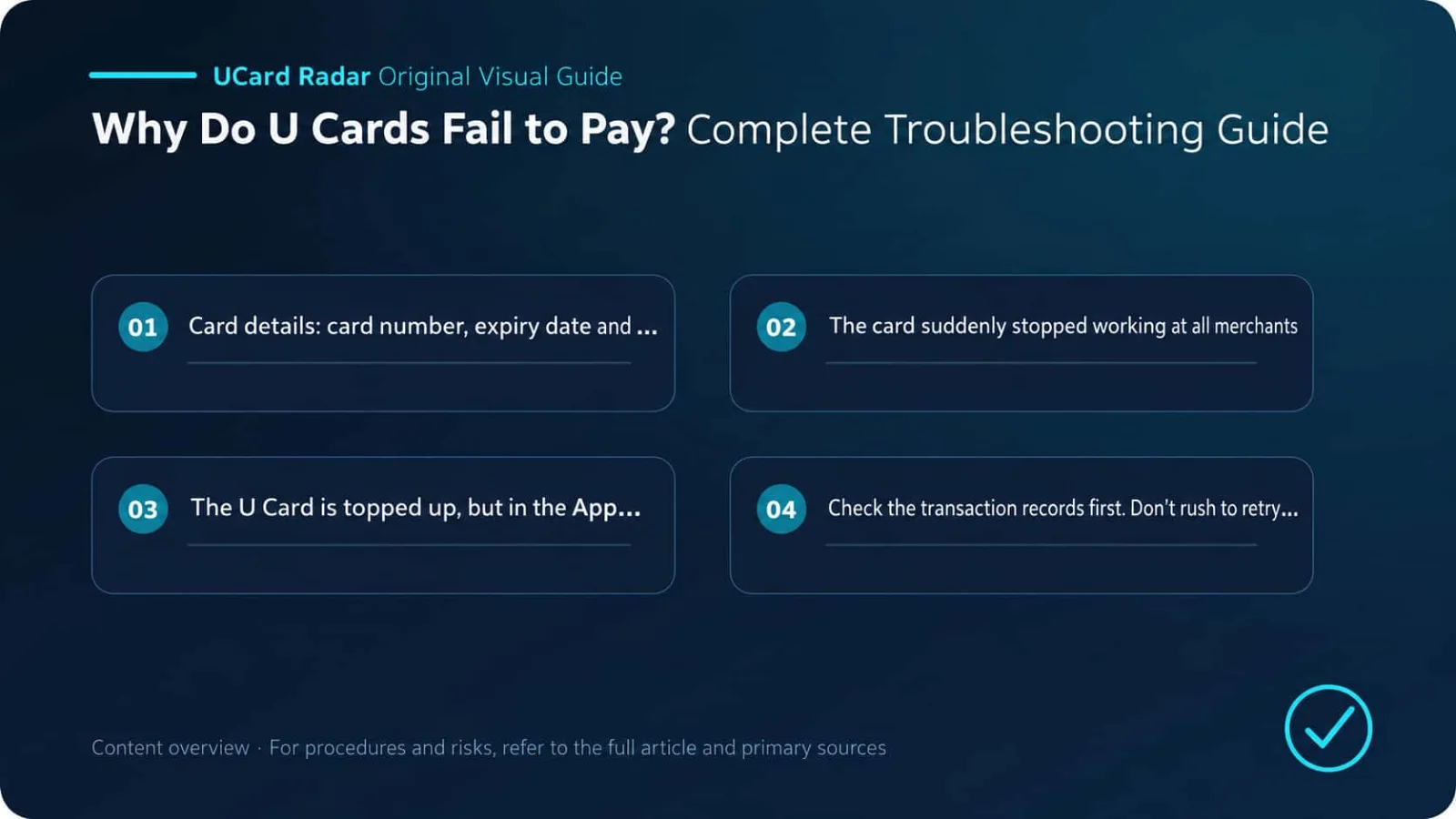
When a U Card payment fails, balance is only one possible reason. The fastest way to judge the issue is to look at the transaction record first:
No record: first investigate the merchant, payment gateway, billing address, BIN, and 3DS;
Declined: focus on balance, limits, permissions, MCC, and issuer risk controls;
Pending: wait for the authorization to complete or be released, and do not pay again;
Completed but the order is abnormal: save the evidence and contact both the merchant and the card platform.
A Visa or Mastercard logo only shows that the card uses the corresponding network; it does not guarantee acceptance by every merchant, for every type of transaction, or in every country. A truly useful U Card is not just one with a low issuance fee. It should provide a real billing address, support 3DS and recurring payments, show detailed transaction statuses, and let users trace decline codes and refunds when problems arise.
Boundary of Sources and Conclusions
Primary verification: Visa Core Rules and Visa Product and Service Rules; Mastercard Transaction Processing Rules; What should I do if my prepaid card or PIN is lost or stolen, or I see unauthorized charges?.
The verifiable facts in this article regarding the troubleshooting sequence for U Card payment failures and payment-network rules are based on the listed official or regulatory documents. Actual service status, fees, eligibility, and regional availability should be based on the issuer’s or platform’s page at the time of application.
Different issuers, regions, account tiers, and merchant rules may produce different outcomes. Any user experience, success-rate statement, fee comparison, or trend judgment not directly disclosed in the above primary materials is analysis or inference and has not been officially confirmed by the relevant institutions for specific cases.